spareday

For Australian accounting practices doing the admin by hand

AI for accountants. The admin, done without you.

What the chasing costs your practice in billable hours, and which part of it runs on its own.

★★★★★Australia wide, remote

A report on your own practice, showing which admin jobs only happen when somebody remembers, and what they cost you in billable hours.

Reece Rainer By Reece Rainer spareday, Newcastle NSW Last updated 13 September 2026 Read time 9 minutes
The same list of enquiries shown twice, before and after, with each one marked as handled automatically on the rightoutstanding and then with every one of them answered
what clients say

What clients say

★★★★★

A passion-driven, good-hearted and reliable service provider with the competency of a genius when it comes to software engineering, AI technology and marketing.

Daniel Tiwarigoogle review
★★★★★

He was able to take our rough ideas, from concept through to reality. The site has provided an influx of new members, helping to keep our club viable.

Richard Genetgoogle review
★★★★★

Excellent in all facets of web design with particular expertise in SEO and email marketing. Online visibility has skyrocketed since working Reece which translates as flawless customer relations, new leads and new customers.

Joshua Thomasongoogle review

See them all on Google

The technical work is what clients pay you for. The chasing around it is not, and it still takes hours out of every week: the missing bank statement, the client who has not signed, the same six questions asked of every new engagement.

None of that needs your judgement. It needs somebody to remember, and in a busy practice nobody does it consistently in the weeks it matters most. What follows is which parts of it run on their own, what it will not touch, and the order worth doing it in.

01

What AI actually does in a practice

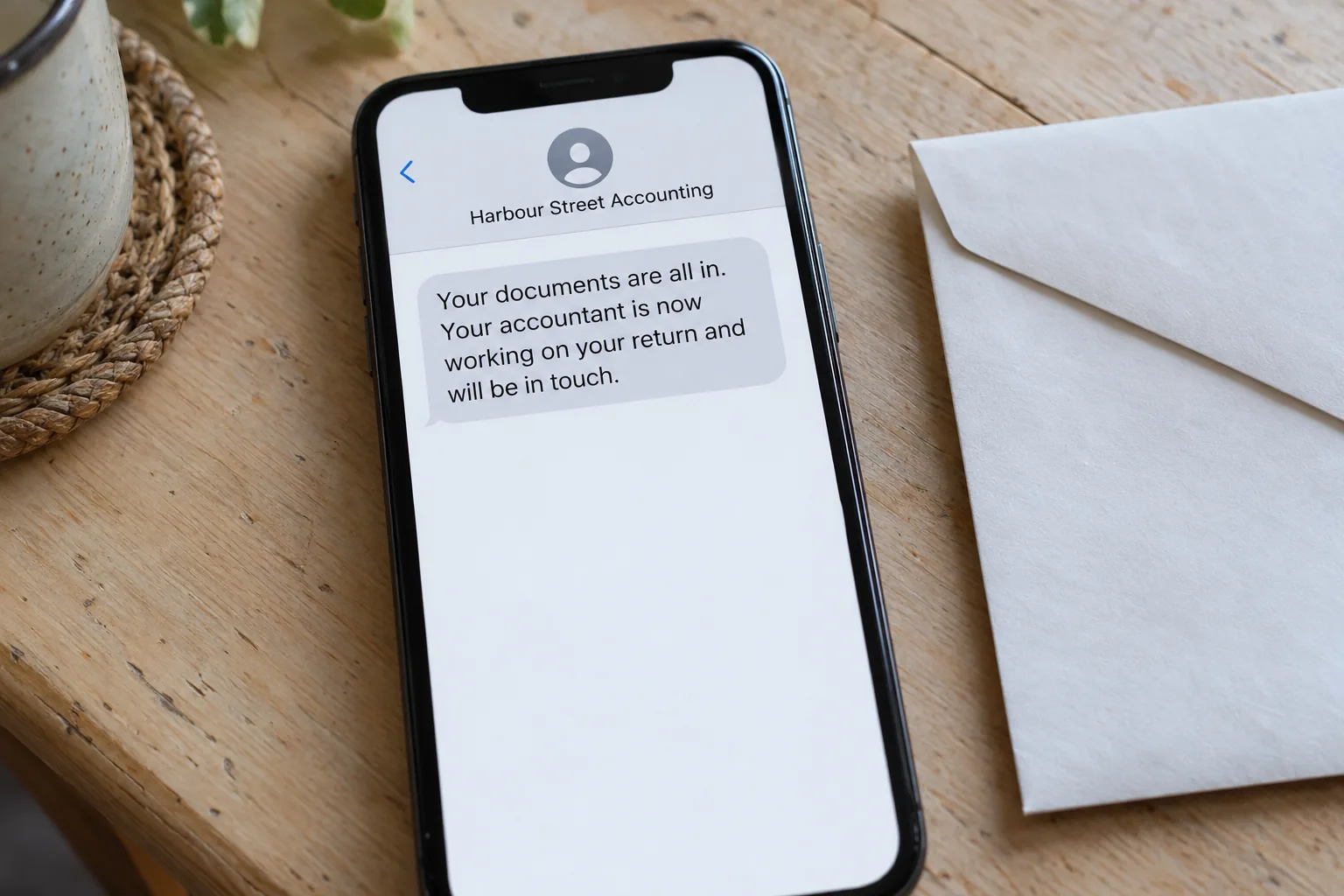
It handles the chasing and the collecting that sit around a file. Requesting documents, following up the ones that never arrive, sending the same onboarding questions, and telling clients where their return is up to.

An email thread where a document request went out on its own, the client replied with the missing statement, and the file moved on
one request, chased without anybody remembering to do it

AI for accountants, in practice, means that layer of chasing and collecting rather than anything that touches the return itself.

Two different things get called AI, and only one of them matters here. The first is automation, which means a job that starts on its own: a client signs, so the document list goes out. The second reads what somebody wrote and answers it in your practice's words, which is what makes the follow up a conversation instead of a template nobody replies to.

What it takes off you first

  • Chasing the documents.

    The list goes out the day the engagement is signed, and the reminders go out on their own until the last item arrives.
  • The same six onboarding questions.

    Structure, prior year lodgement, ABN, bank details, registered address. Asked and checked before the first appointment rather than over a week of emails.
  • Telling clients where things are up to.

    A message when the return is lodged and another when the ATO has processed it, so those calls stop arriving.
  • The deadline reminders.

    The clients affected by each lodgement date hear about it in advance, without anybody building a list first.

Every one of those is work a practice already does. It happens in the week it should, instead of in the week somebody gets to it.

Get my free reportA report on your own practice, showing which admin jobs only happen when somebody remembers, and what they cost you in billable hours.
02

Where the non-billable hours go

They go into chasing. A practice loses more time to following up documents and signatures than to any other single non-billable job, and it loses the most of it in the weeks it can least afford to.

A week of a practice shown as a list, with the document requests, the reminders and the lodgement updates all sent and ticked off
a week of chasing, and nobody had to remember any of it

Watch what happens to a document request in a busy practice. It goes out on Monday. Half the clients send everything, a third send some of it, and the rest send nothing. Somebody has to work out which is which, and then write to each of them separately.

In a quiet month that is an hour. Through a lodgement period, across a few hundred clients, it is the reason the principal is still at their desk at nine at night. The work is not difficult and it is not billable, and it grows exactly when the billable work does.

What that costs you

  • Billable hours spent on admin.

    Every hour on chasing is an hour not on a file, and it comes out of the same working week.
  • Work that arrives late.

    A file that could have been done in July gets done in October, so the practice carries the same clients over a longer period for the same fee.
  • The staff you pay to chase.

    The chasing usually lands on whoever is cheapest to interrupt, which is rarely the cheapest use of them.

The Australian Taxation Office's own online services for agents have been moving the profession toward digital-first workflows for years, and the practices that put structure around the chasing are the ones absorbing that without adding staff.

Get my free reportA report on your own practice, showing which admin jobs only happen when somebody remembers, and what they cost you in billable hours.
03

The software you already run

Nothing here asks you to change systems. The work happens in the tools your practice already pays for, and the value is in the handoffs between them rather than inside any one of them.

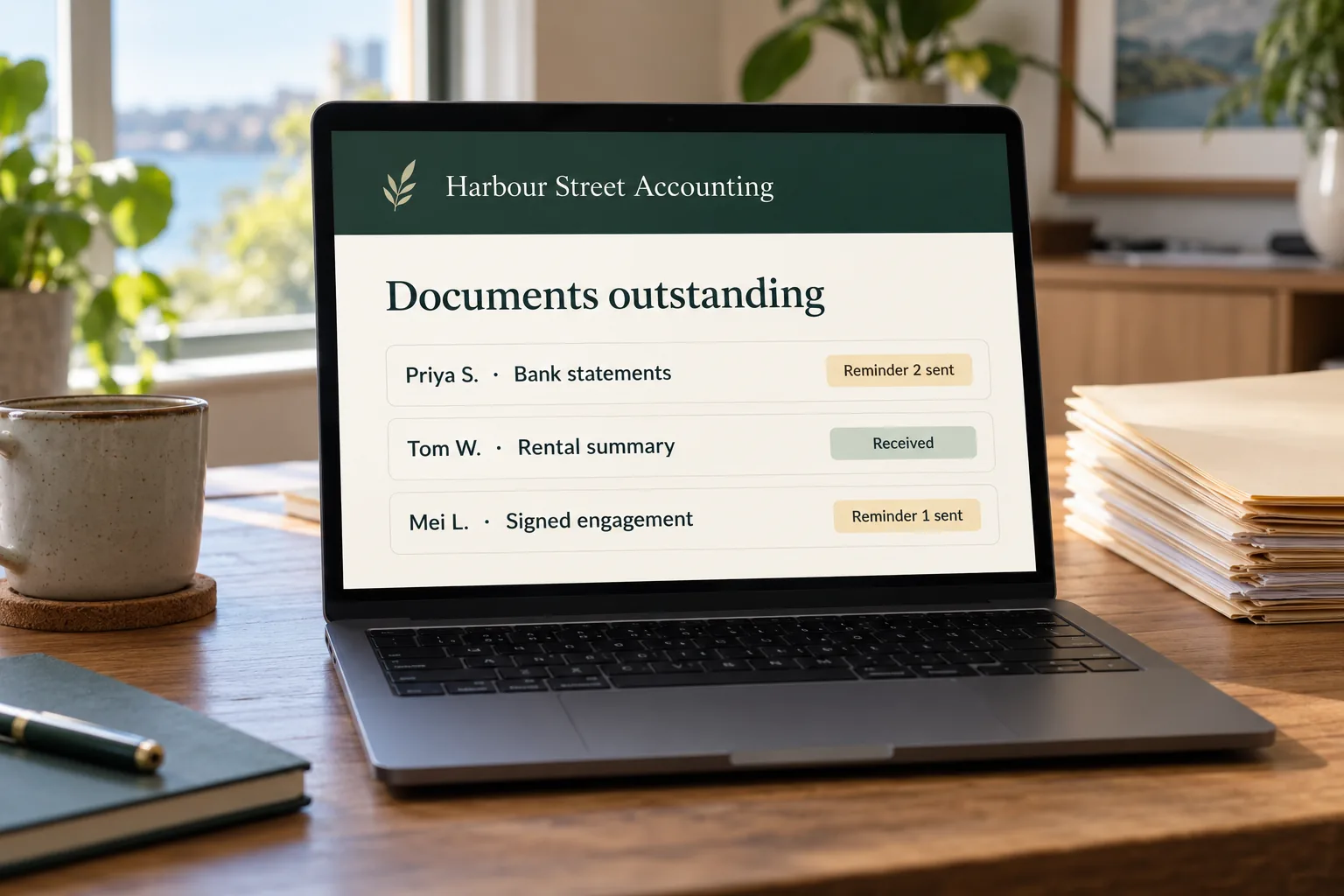
A client portal for one practice showing the documents outstanding, the ones received and the returns waiting on a signature
the handoffs between systems, on one screen instead of four tabs

Your ledger, your practice management, your document capture and your engagement letters are all doing their own job properly. A bookkeeping practice hits the same wall a step earlier, in the reconciliation rather than the return. What none of them does is the moving of information from one to the next, which is why a person is still doing that by hand.

Where the handoffs are

  • Between the ledger and the client.

    The bank feed query and the missing source document both end up being chased by a person, one client at a time.
  • Between the job and the file.

    A signed declaration comes back by email and somebody drags it into the right folder.
  • Between capture and review.

    Receipts get captured automatically, and somebody still reviews the ones the software could not read.
  • Between the engagement letter and the work.

    The letter goes out, and somebody checks who has not signed it before anything can start.

Individually each of those takes a couple of minutes. Across a few hundred clients through a lodgement period they are most of the reason the week runs out. The audit maps them in your own stack and puts a number beside each one before anything is built.

Get my free reportA report on your own practice, showing which admin jobs only happen when somebody remembers, and what they cost you in billable hours.
04

What it does not touch

It does not do the accounting. It makes no judgement call you would have to stand behind, it holds none of your accreditation, and it decides nothing about how a provision applies to a client.

An inbox where the routine client messages have been answered and the ones needing a decision are still sitting at the top
the ones needing your opinion are the ones still waiting for you

This matters here, because the professional work is the thing you sell and it carries your name. The automation handles the layer around it and stops at the edge of anything requiring your opinion.

Where it stops, deliberately

  • Anything needing your judgement.

    The file is flagged and routed to you rather than answered. A confident wrong answer is far worse than no answer, which is the same line a law firm has to draw.
  • Anything about a specific client's position.

    It will report status and chase paperwork. It will not tell a client what their outcome is.
  • Client data going where it should not.

    Financial data is not handed to a public AI tool. The builds run on your own accounts with the handling agreed in writing first, under your Privacy Act obligations.

Where the work is genuinely repetitive and written down, it runs. Where it is not, it stops and waits for a person, and every run is logged so you can read what it did.

Get my free reportA report on your own practice, showing which admin jobs only happen when somebody remembers, and what they cost you in billable hours.
05

How the work actually runs

The jobs that only happen when somebody remembers go on a list, and the one costing the most billable time comes off it first. The wording gets approved before anything is built, and it runs watched before it runs alone.

A month of a business shown as a checklist, with the email move, the booking system, the quote template and the backups all ticked off
one at a time, in the order that pays for itself fastest

The first one is the document chasing, because it is the one that costs the most in the weeks it matters. The next starts once that one is running.

1. The chasing gets written down

Half a morning. What goes out, when, to whom, and what happens when a client sends half of it. Most practices have never had this written down anywhere.

2. The job costing the most billable time goes first

A rough number goes beside each one. Document chasing through a lodgement period usually wins on its own, and it wins by a distance. Where more than one job looks worth doing, deciding the order is its own piece of work.

3. You approve the wording before anybody builds anything

Every message goes out in your practice's name, so it gets written the way you would write it and signed off before it exists as anything but words on a page.

4. It connects to what you already run

Your practice management and your ledger can already tell another system when something happens. Nothing gets replaced and nothing gets migrated.

5. It runs watched before it runs alone

For a fortnight, with a person approving each message before it sends. That fortnight finds the client situations nobody predicted, before a client meets one.

6. The next one starts once the first is boring

A job is finished when nobody in the practice is thinking about it any more. That is the signal to start the next one, rather than a date on a plan.

Get my free reportA report on your own practice, showing which admin jobs only happen when somebody remembers, and what they cost you in billable hours.
06

How long it takes

Writing down how the chasing actually happens takes longer than building it. The first job runs watched inside a fortnight, and each one after it is shorter because the connections already exist.

The same short to-do list shown twice, before and after, with each item marked done, sent, received or paid on the right
the fortnight it runs watched is what makes the month after it quiet

The order it happens in

  • The writing down comes first.

    How a request actually goes out today, including the parts nobody has ever put on paper. This is the slow half.
  • Then it gets built and watched.

    It runs with a person approving each message, long enough to meet the situations nobody predicted.
  • Then it runs on its own.

    You hear about it monthly: what ran, what it replied to, and anything that failed and stopped.

The first thing a practice notices is that the chasing stops being anybody's job. What follows that is a lodgement period where the documents arrive earlier, because the reminders went out whether or not anyone had time to send them.

Get my free reportA report on your own practice, showing which admin jobs only happen when somebody remembers, and what they cost you in billable hours.
07

What should you ask before paying anyone?

Ask where it runs, whose accounts it uses, what happens to client data, and what you keep if you stop paying. Those four answers separate a build you own from a subscription you rent.

A chat where a business owner asks a question about their own systems and gets a plain answer back the same day
the questions worth asking, including of this one

These are worth asking of anybody, including this one, so the answers given here sit under each question.

  • Where does it actually run?

    On your own accounts and a server you can point at, rather than inside a platform you rent. The first one is yours and the second one is not, which is what owning the build actually means.
  • What happens to client financial data?

    It stays inside systems you control, and it is not handed to a public AI tool. Agree the handling in writing before any money changes hands.
  • What happens when it breaks?

    Something upstream changes and a job stops. Ask who finds out first, how fast, and whether a half finished message can ever reach a client.
  • What do I keep if I stop paying?

    A build keeps running afterwards. A subscription stops on the day the paying stops, and you start again from nothing.
  • Am I locked into a contract?

    Not here, it runs month to month. Any arrangement you cannot leave at the end of a month is worth a second look.

All of this can also be built in house, and plenty of practices do it well, the same way any small business can. The six steps above are the same either way.

Get my free reportA report on your own practice, showing which admin jobs only happen when somebody remembers, and what they cost you in billable hours.

If you do one thing after reading this, write down what your practice chased last lodgement period and how many times each client had to be asked. That list is what a first call would ask for. Ask for the free report and it comes back with it.

Related reading from us: the jobs that need remembering, the chasing before every BAS, AI Automation For Accountants, AI receptionist for accountants and written for the person deciding.

Common questions

What does AI actually do in an accounting practice?

It handles the chasing and collecting around a file: requesting documents, following up the ones that never arrive, asking the same onboarding questions, and telling clients where their return is up to.

Does it do the accounting?

No. It makes no judgement call, it holds none of your accreditation, and it decides nothing about how a provision applies. Anything needing your opinion is flagged and routed to you.

Is client financial data safe?

It stays inside systems you control and is not handed to a public AI tool. The handling is agreed in writing before anything is built, under your Privacy Act obligations.

Do I have to change my practice management software?

No. The build goes around what you already run, connecting your existing systems rather than replacing any of them.

What is usually automated first?

Document chasing, because it costs the most billable time and it costs it in the weeks the practice can least afford to lose.

How long before the first one is running?

The writing down is the slow half. Once that is done the first job runs watched inside a fortnight, with a person approving each message before it sends on its own.

Do I own what comes out of it?

Yes. It runs on your accounts, in your name, and it keeps running if the arrangement ends. Keeping it working as the software around it changes is a monthly choice.

What does it cost?

One monthly fee covering everything, month to month, with no lock-in contract. What it comes to depends on the practice, so the number gets given on the call.

What else we do

See where the hours are going.
Get a free look at what your practice could automate.

Call 0485 017 387
×

Get my free report

See exactly where you rank in every suburb you serve. Takes 60 seconds.

Or send a longer enquiry