
Newcastle · Australia wide
AI automation services
for your business.
Connect repeated tasks, customer messages and business software so routine work needs less manual attention.
Tell us about your business and what you need.



How spareday helps
Turn a repeated task into a working process.
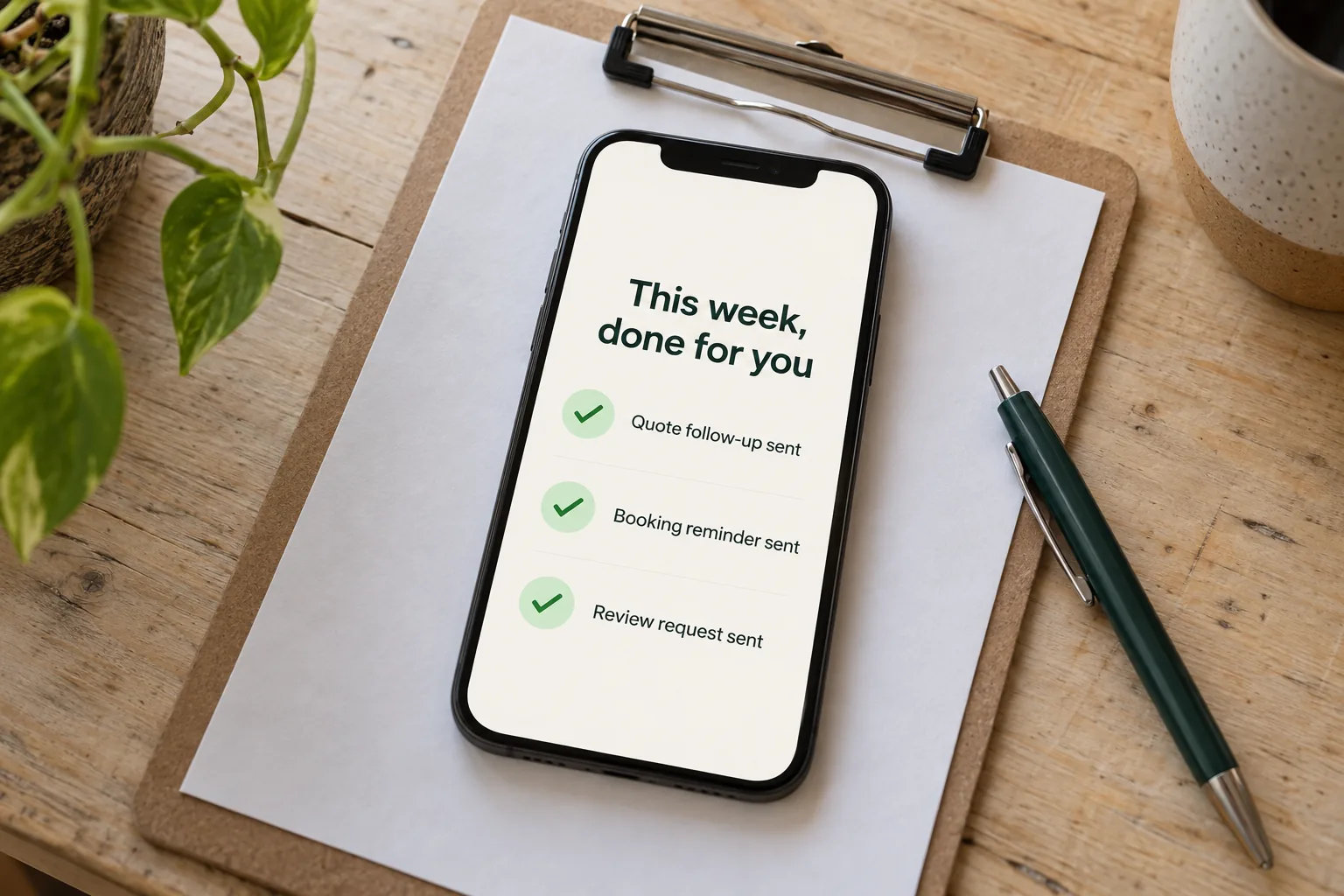
AI automation services combine agreed steps with software that can interpret information. A form might start a follow-up sequence; an AI step might help sort a written enquiry before it reaches the right person.
spareday builds custom automations for Australian businesses from Newcastle. We start with the work you want handled, then agree the connections, wording and points that need your approval.
What’s included
Choose the work that is useful to automate.
The scope is built around your business. These are examples of jobs we can investigate, rather than a fixed bundle of automations every business needs.
- Enquiry and quote follow-up
- Connect a new enquiry or quote to an agreed reply and follow-up schedule. Define when the sequence stops, including a customer reply or a member of your team taking over.
- Booking and job reminders
- Use a recorded appointment or job status to start the right reminder. Work through changes and cancellations so a moved appointment does not keep its old messages.
- Review requests
- Plan a request after a completed job, with wording and timing you approve. The request should fit the way your business records completion.
- Internal alerts and reporting
- Move information to the person who needs it, or assemble a recurring report from the systems you already use. Check that the underlying records contain the details the process needs.
- Useful AI steps
- Identify where interpreting a message helps and where a fixed rule is sufficient. Agree what information the AI can use and what must wait for a person.
How it works
Map the job, connect the tools and test the result.
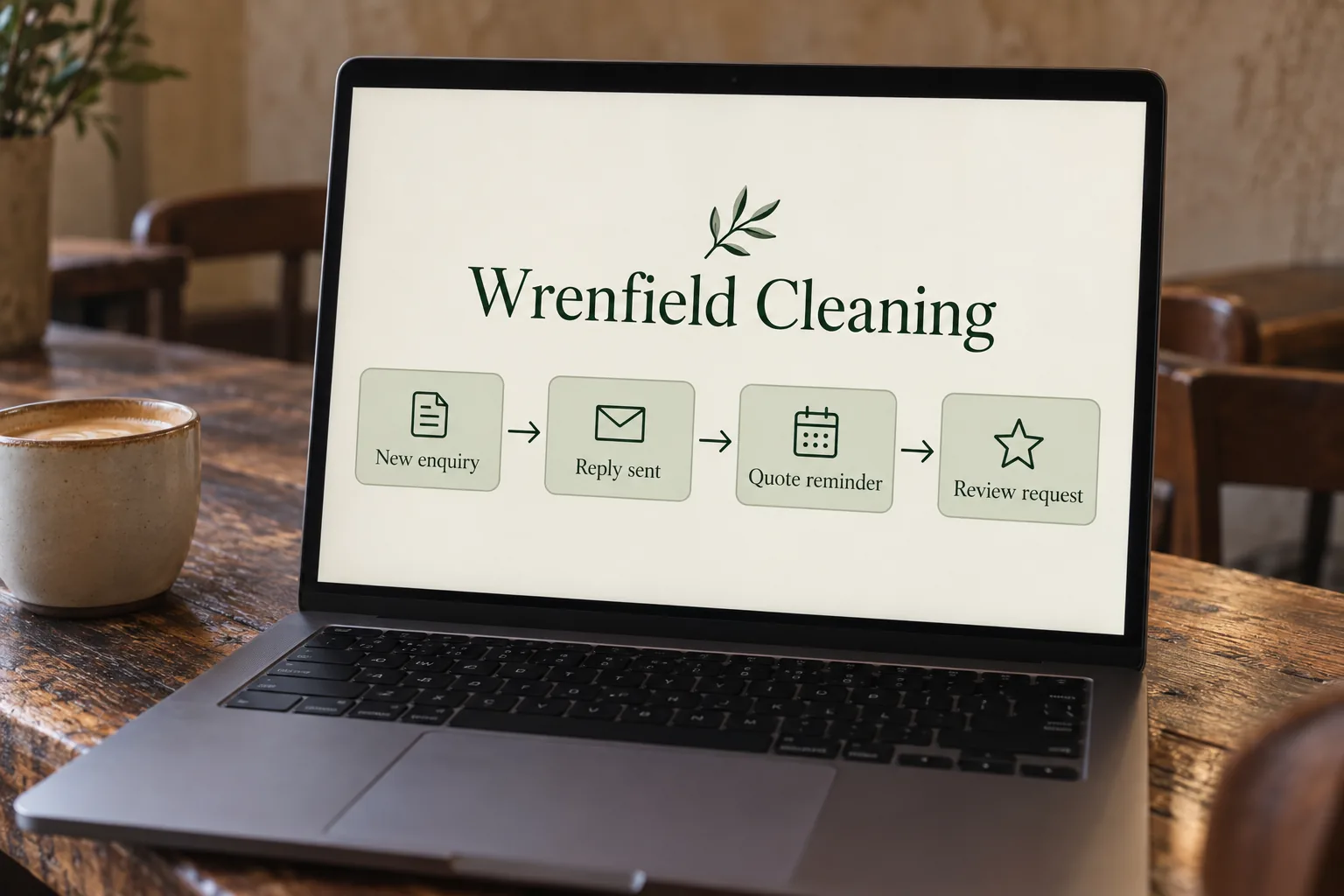
A useful starting point is one repeated job with a clear beginning and end. Your team supplies the business rules; we turn the agreed process into a build that can be checked.
- Understand the current task
- Show how the job starts, the systems involved and what somebody does next. A made-up example is enough for the initial conversation.
- Agree the messages and limits
- Write down the actions, approved wording and exceptions. Identify the person who can approve a change or handle a case outside the agreed rules.
- Build and test the connections
- Check normal cases, missing information, duplicate events and replies. Agree how failures are recorded and how the team will be notified.
- Review the working process
- Watch the initial runs, check the output and agree any refinements. Discuss ongoing support and the tools or usage charges the build depends on.
Where to start
Choose a task with enough repetition to matter.
List what your team copies between systems, the messages that need chasing and the reports assembled by hand. Compare how often each job occurs, how long it takes and what happens when it is missed.
A quote follow-up and an internal report solve different problems. Starting with one clear task makes it easier to judge whether the result is useful before extending the system.
For examples in different businesses, see automation for accountants, real estate automation and automation for NDIS providers.
Keeping control
Make the handover to a person part of the design.
An AI-generated answer can be wrong. Customer commitments and other decisions that need your judgement should have an agreed approval or handover step. We discuss what a process may send on its own and what needs review before enabling it.
Connections also depend on the software around them. Agree who reads failure alerts, who can pause the process and how changes to connected tools will be handled. The automations run on accounts in your business's name, so they keep working if you stop working with us. Ongoing support and any third-party usage charges are agreed in the scope.
If you are deciding what to build, start with AI consulting or AI strategy. For broader background, read our discussion of AI and business workflows.
From clients
What clients say about working with spareday

“He created a stunning website for us that captures and nurtures leads with an automated email marketing system, which has filled a huge gap in the business and saved a lot of time (and money!).”

“He didn’t just build me a great website, he created an easy-to-manage system that allows me to make updates myself whenever I need to. He has spared me so much time doing all of this myself!”
“He was able to take our rough ideas, from concept through to reality. The site has provided an influx of new members, helping to keep our club viable.”

“Huge shoutout to Reece for building my website for Hughesys Painting Services. Since it went live my phone hasn’t stopped ringing.”
Official guidance
For independent background, read the official guidance on AI in business and choosing digital tools.
A few practical details
Before we get started.
How is AI automation different from a standard automation?
A standard automation follows defined rules. An AI step can help interpret text or prepare an answer. Both still need clear instructions, suitable information and checks on what they produce.
Can you connect software we already use?
We check the specific systems before quoting. Access, available connections and the actions each system supports determine what can be built. Tell us the product names and the task you want connected.
Will every customer message send automatically?
That is an agreed setting for each process. Messages can require approval, and cases outside the agreed rules can go to a person. The wording and handover behaviour are part of the scope.
How long does an automation take?
Timing depends on the task, available access, message approvals and testing. We discuss the proposed sequence and timing once those details are clear.
What should I send for a quote?
Describe one repeated job, the tools involved and what you want to happen. Include who currently handles it and any important exceptions. An example with invented details is useful; customer records and passwords can wait.

Who you’ll work with
Hi, I’m Reece.
I run spareday from Newcastle. Tell me what your business needs and what is already in place. I’ll work through the scope with you and explain the proposed work before you decide.



Find us
spareday in Newcastle.
12 Grey Street, Wickham, Newcastle NSW 2293.
Your next step
Tell us which job you want handled.
Describe the task and the software your business uses. We’ll discuss what is practical and send a free growth plan, price included.
Or call 0485 017 387.