
For Australian businesses
AI for mortgage brokers.
Coordinate document requests, routine follow-ups and review reminders while keeping loan advice and client decisions with the broker.
Tell us about your business and what you need.



AI at spareday
Make the administrative steps easier to follow.
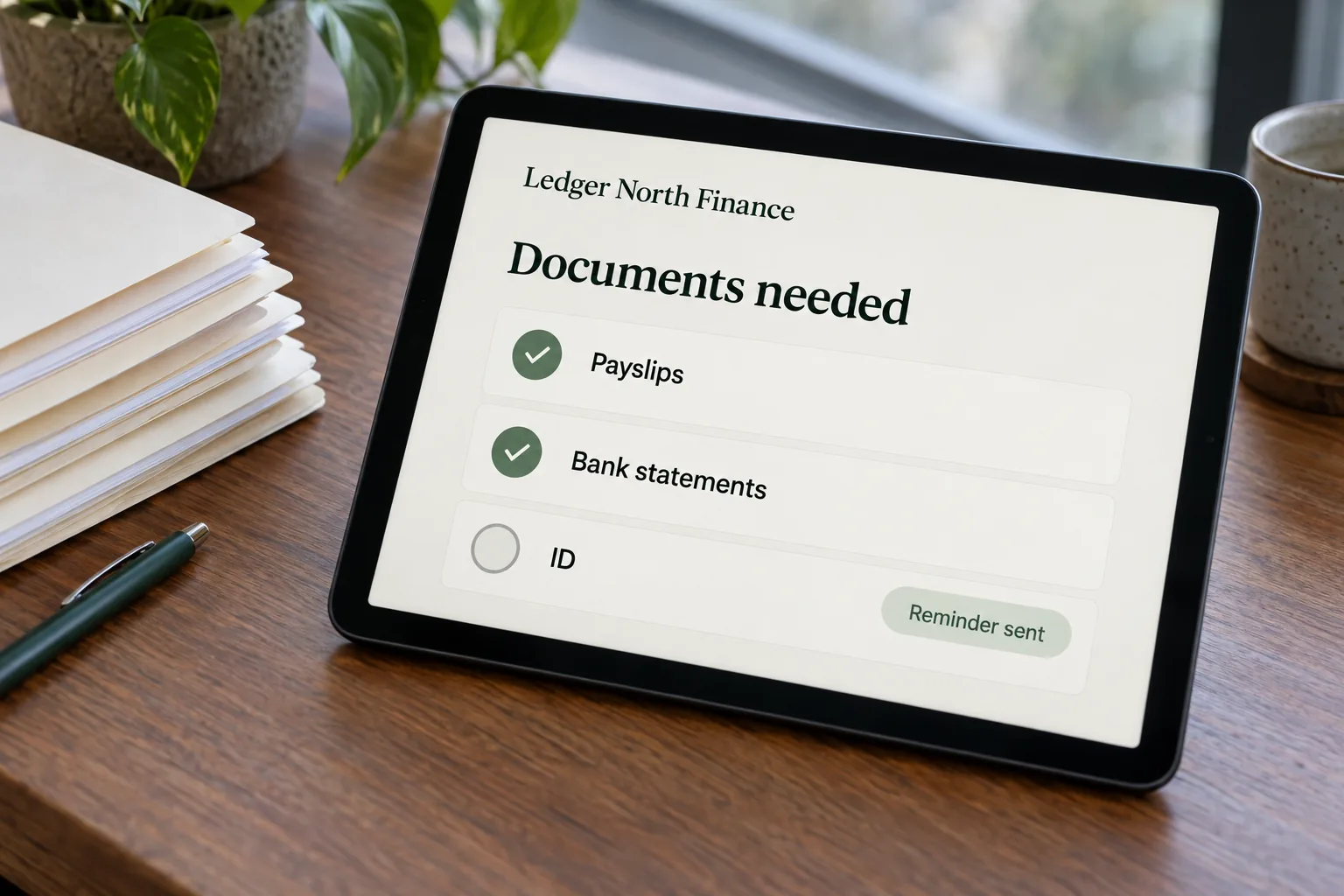
AI for mortgage brokers can support the repeated work around an application: preparing a request, tracking outstanding information and helping staff see which conversation needs attention.
spareday works through the process with your team before recommending a build. Ordinary rules may be enough for scheduled reminders; AI may help classify a reply or prepare a draft. The proposed work stays within an agreed administrative scope.
What’s included
Support around the client file.
The scope depends on your systems and the tasks your team is authorised to carry out. Start with a clear record of what is needed and who checks it.
- Document request coordination
- Prepare an approved request and follow up on outstanding items using the checklist maintained by your team.
- Application-stage reminders
- Create an internal task or agreed client message when a file reaches a defined stage or needs attention.
- Fixed-rate review reminders
- Use dates recorded in your system to prompt a broker to contact the client. The broker handles the discussion and any recommendation.
- Past-client check-ins
- Coordinate approved contact with appropriate clients, including how preferences and requests to stop are recorded.
- Drafts and activity records
- Prepare administrative summaries from the available record for staff review, with a clear history of the workflow’s actions.
How it works
Agree the process before connecting the systems.
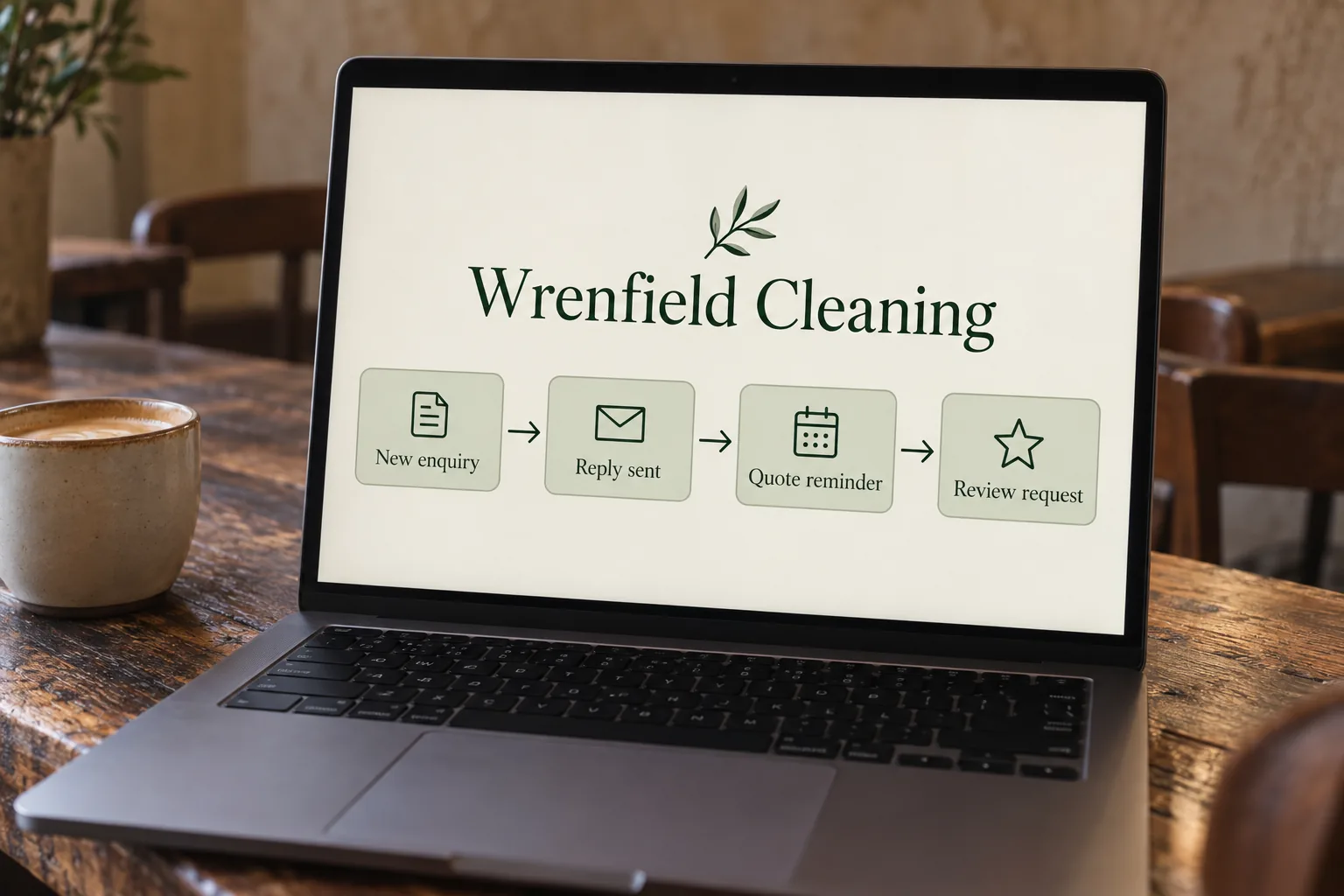
A useful workflow knows which file it relates to, what information is missing and when a person must take over.
- Map the current request
- Show how the checklist is created, where documents arrive and how staff mark items as received. Identify the steps that should remain manual.
- Set the information boundaries
- Agree the systems and accounts involved, permitted data handling and who can access the records. Use anonymised examples for initial scoping.
- Build and test one process
- Check partial responses, changed requests, duplicate files and messages that need the broker. Test that reminders stop at the right point.
- Review before extending it
- Staff inspect the first use and resolve exceptions. Agree who monitors the workflow, makes changes and reviews ongoing costs.
Working with your software
Check what the current tools can already do.
A CRM may already have task reminders or document-request features. We review those before adding another layer. Connecting systems depends on your specific accounts, available interfaces and permissions; it is checked rather than assumed.
Keeping the file status accurate is essential. A received document still needs the team’s check before it is treated as satisfactory, and a changed checklist should not leave an old reminder running. The workflow should make those handovers visible.
For the earlier enquiry stage, see lead follow-up for mortgage brokers and missed-call text back. Review requests are a separate process to scope.
The broker’s judgement
Keep advice and approvals with the people responsible.
This service is for administrative support. Comparing loan products, recommending a lender, deciding suitability and making commitments to a client remain with the broker. A question outside the approved process is handed over rather than answered from a guess.
An administrative draft is not an approved client record. Your team checks its source information and decides what belongs on the file. The build does not certify compliance or replace your business’s review requirements.
What we build runs on accounts in your business's name, so it keeps working if you stop working with us. Before work starts, we agree what happens to client documents and how activity is logged. Software fees and ongoing maintenance are made explicit in the scope.
For independent background, the Australian Government explains AI in business and choosing digital tools.
From clients
What clients say about working with spareday

“He created a stunning website for us that captures and nurtures leads with an automated email marketing system, which has filled a huge gap in the business and saved a lot of time (and money!).”

“He didn’t just build me a great website, he created an easy-to-manage system that allows me to make updates myself whenever I need to. He has spared me so much time doing all of this myself!”
“He was able to take our rough ideas, from concept through to reality. The site has provided an influx of new members, helping to keep our club viable.”

“Huge shoutout to Reece for building my website for Hughesys Painting Services. Since it went live my phone hasn’t stopped ringing.”
A few practical details
Before we get started.
Does it give loan advice?
No. The proposed workflows coordinate administration. Product comparisons, recommendations, suitability decisions and client advice stay with the broker.
Can it chase only the missing documents?
That can be scoped if there is a reliable checklist and a way for staff to record which items have been checked. Partial responses and changed requests need explicit handling.
Do we need a different CRM?
We assess your existing setup first. Available features and connection permissions determine what is practical; a migration is a separate decision.
How are client documents handled?
The systems, access permissions and permitted use are agreed before the build. Initial scoping can use anonymised examples rather than payslips, statements or identity documents.
What do you need for a quote?
Describe the administrative task, your CRM and document process, and the staff involved. We discuss the review requirements, connections and ongoing support before quoting.

Who you’ll work with
Hi, I’m Reece.
I run spareday from Newcastle. Tell me what your business needs and what is already in place. I’ll work through the scope with you and explain the proposed work before you decide.




Find us
spareday in Newcastle.
12 Grey Street, Wickham, Newcastle NSW 2293.
Your next step
Tell us which administrative step needs help.
Describe how the task works today and the systems involved. We’ll discuss a defined scope and send a free growth plan, price included.
Or call 0485 017 387.