spareday

For Australian practices ringing every patient by hand

AI for healthcare. Fewer empty chairs.

What every no show costs the practice, and which part of the reminding runs on its own.

★★★★★Australia wide, remote

A report on your own practice, showing what the empty appointments are costing you and which reminders never go out.

Reece Rainer By Reece Rainer spareday, Newcastle NSW Last updated 13 September 2026 Read time 8 minutes
The patient-facing pieces for one practice laid out together, the new patient guide and the reminders, all set the same way
what clients say

What clients say

★★★★★

A passion-driven, good-hearted and reliable service provider with the competency of a genius when it comes to software engineering, AI technology and marketing.

Daniel Tiwarigoogle review
★★★★★

He was able to take our rough ideas, from concept through to reality. The site has provided an influx of new members, helping to keep our club viable.

Richard Genetgoogle review
★★★★★

Excellent in all facets of web design with particular expertise in SEO and email marketing. Online visibility has skyrocketed since working Reece which translates as flawless customer relations, new leads and new customers.

Joshua Thomasongoogle review

See them all on Google

Somebody books three weeks out, forgets, and does not turn up. The chair sits empty for forty minutes while four people wait on a cancellation list nobody has time to ring. A new patient fills in the same form on paper in the waiting room that they could have filled in at home.

None of that touches clinical work. It is the administration around an appointment, and it is where most of a practice's wasted time and lost income sit. What follows is which parts of it run on their own, where it stops, and the order worth doing it in.

01

What actually gets automated in a practice

The reminder that stops a no show, the waitlist that fills a cancellation, the intake form a patient can do before they arrive, and the follow up after treatment that nobody has time to make.

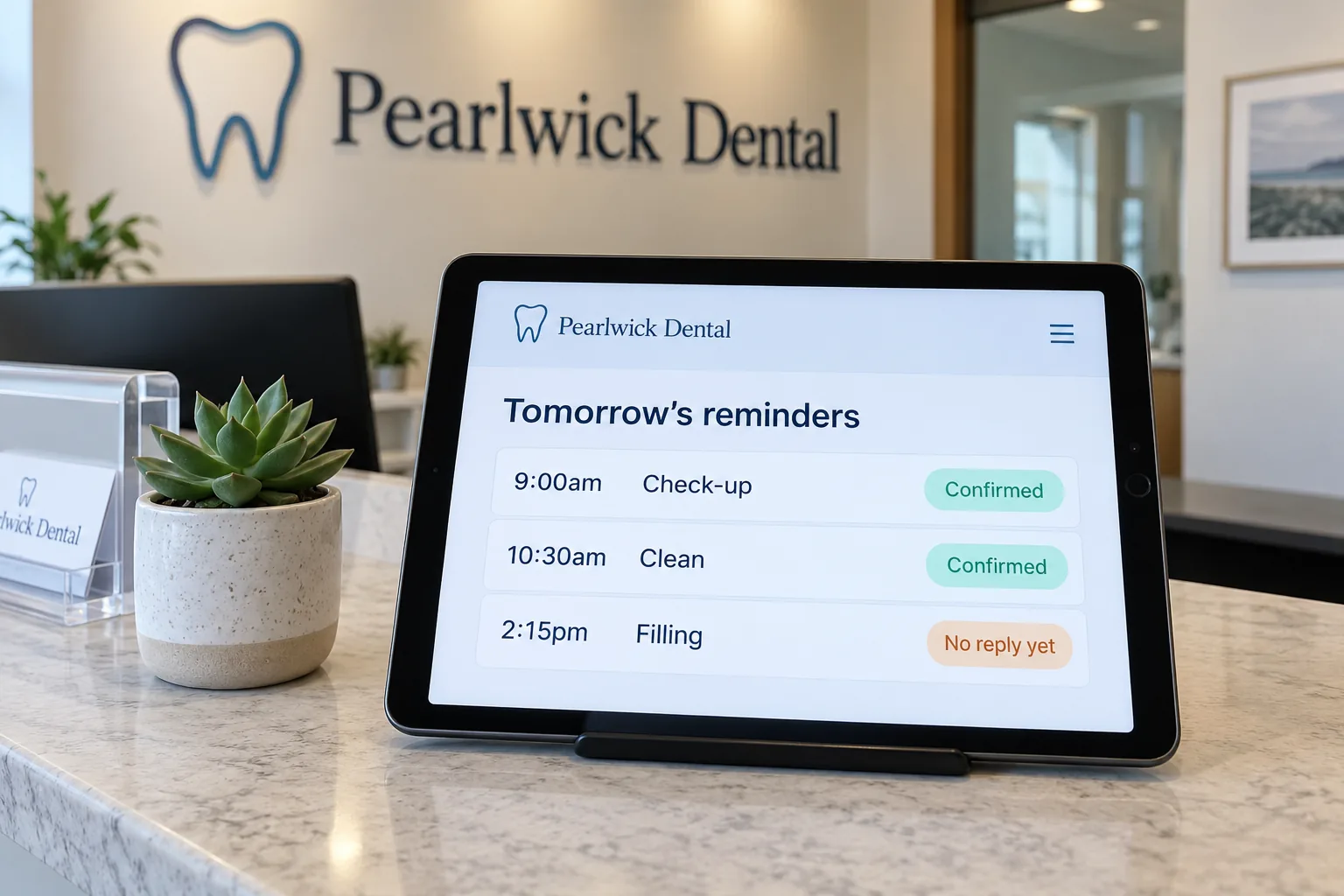
A phone showing an appointment reminder going out the day before, and the patient replying to move the time rather than cancel
the day before, which is when a no show is still preventable

AI for healthcare, used this way, is appointment administration and nothing else. It never comes near clinical work.

Two different things get called AI, and only one of them matters here. The first is automation, which means a job that starts on its own: an appointment is a day away, so a reminder goes out. The second reads a patient's reply and answers in the practice's words, which is what turns a reminder into something people actually respond to.

What it takes off you first

  • The reminder that stops a no show.

    A message a few days out and another the day before, each carrying a way to change the time rather than just cancel.
  • The waitlist nobody rings.

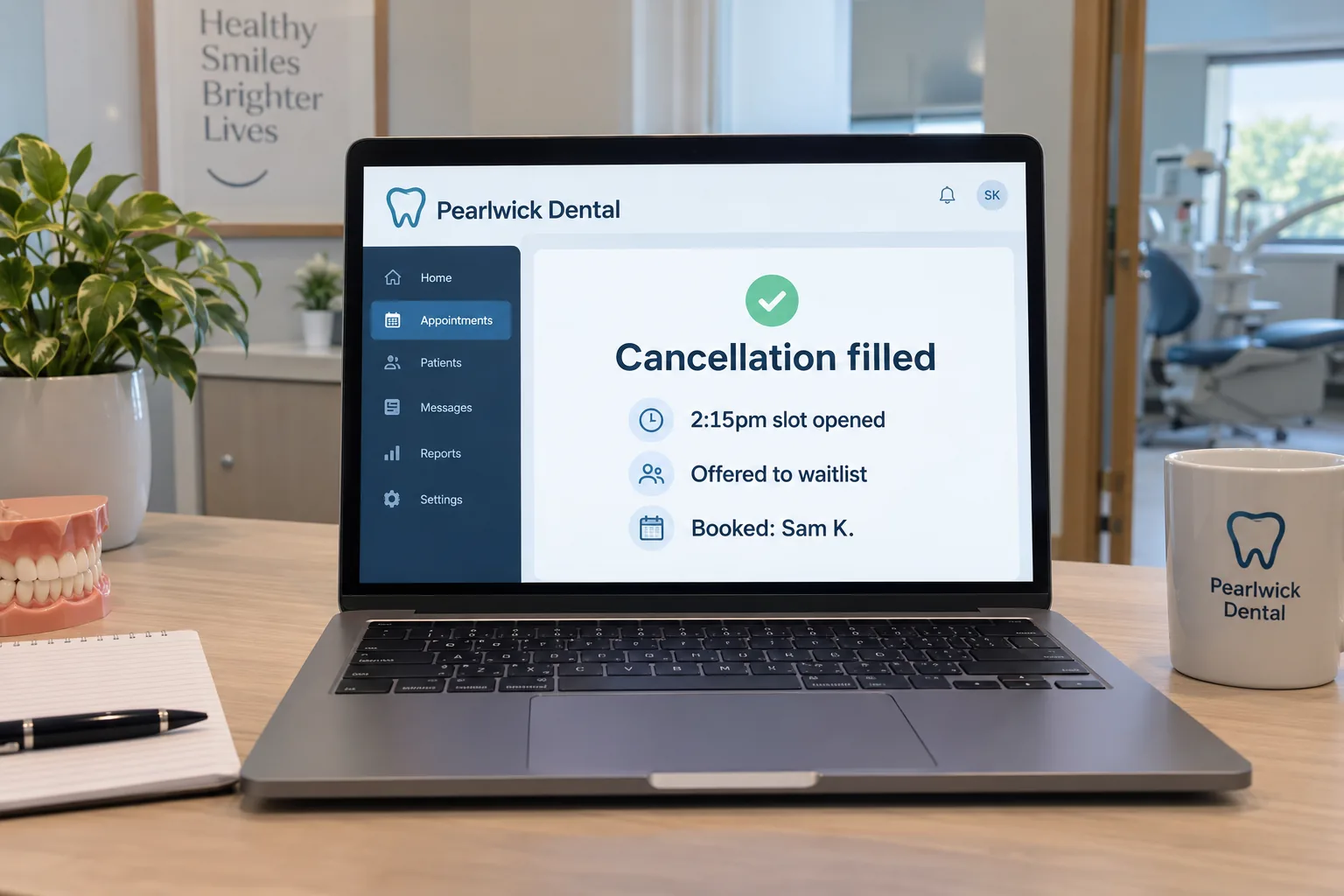
    A cancellation goes to everybody waiting at once, and the chair is filled by whoever answers first.
  • The intake form.

    Sent when the appointment is made, filled in at home, and on file before the patient walks in.
  • The follow up after treatment.

    A check in a few days later, and a recall when the next visit is due, without anybody keeping a list in their head.

All of that is work a practice already knows should happen. It happens when reception is quiet, instead of not at all in the weeks reception is not.

Get my free reportA report on your own practice, showing what the empty appointments are costing you and which reminders never go out.
02

What an empty chair costs

It costs the whole appointment. Clinical time that was booked and paid for in wages cannot be sold twice, and a no show is the only kind of lost income where the cost was already incurred.

A week of a practice shown as a list, with the reminders, the waitlist messages and the recalls all sent and ticked off
a week of reminding, and nobody at reception had to remember it

A no show is not a cancelled appointment. A cancellation with a day's notice can be filled from a waitlist. A no show is somebody who simply does not arrive, so the room, the chair and the person waiting in it are all paid for and none of it earns.

Most of them are not people changing their mind. They are people who booked three weeks ago and genuinely forgot, which is exactly the failure a reminder fixes.

What that costs you

  • Clinical hours that were already paid for.

    Wages, rent and equipment all ran for that appointment whether or not anybody sat in the chair.
  • Patients waiting on a list.

    Somebody wanted that slot. Nobody had time to ring them inside the window where it would have helped.
  • Recalls that never happened.

    A patient who should have been seen again in six months hears nothing and drifts to whoever reminds them.

Everything here sits inside the practice's obligations under the Privacy Act 1988, and health information carries the strictest handling of any category under it. That is a design constraint here rather than an afterthought.

Get my free reportA report on your own practice, showing what the empty appointments are costing you and which reminders never go out.
03

The practice software you already run

Nothing here asks you to change practice management software. It works with what you already run, and the value is in the jobs happening around it rather than inside it.

An appointment book for one practice showing the week's bookings, which are confirmed and which slots have opened up
the software already knows. What it does not do is ring anybody

Your practice software holds the appointments, the recalls and the patient records, and it does that properly. What it does not do is chase a patient, ring a waitlist or collect a form before the visit, which is why those land on reception.

Where the gaps are

  • Between the booking and the day.

    The appointment is in the system and the patient booked it three weeks ago and has forgotten.
  • Between a cancellation and the waitlist.

    The slot opens and somebody has to ring down a list, which only happens if reception is free.
  • Between the booking and the intake.

    The form exists and it gets filled in on paper in the waiting room, if at all.
  • Between the visit and the recall.

    The recall date is in the system and nothing goes to the patient until somebody runs a report.

Each of those takes a few minutes by hand. Across a full book they are most of reception's week. The audit maps them in your own software and puts a number beside each one before anything is built.

Get my free reportA report on your own practice, showing what the empty appointments are costing you and which reminders never go out.
04

Where it stops

It touches nothing clinical. It gives no advice, it triages nobody, and it says nothing about a condition, a result or a treatment. It handles appointments and paperwork and stops there.

A short message exchange where a patient asks a question and gets an acknowledgement, with anything clinical left for a person
what it answers, and what it hands straight to a clinician

This line matters more here than anywhere else on this site. A confident wrong answer about a symptom is not an inconvenience, so the automation is built to be incapable of it rather than merely discouraged from it.

Where it stops, deliberately

  • Anything clinical.

    No advice, no triage, no interpretation of anything. A clinical question goes to a person, every time.
  • Anything about a result.

    It will say a result is ready to discuss and arrange the appointment. It will never say what it is.
  • Health information going where it should not.

    Patient information stays inside systems the practice controls, handled to the standard the Privacy Act sets for health records.

Where the work is genuinely administrative and written down, it runs. Where it is not, it stops and waits for a person, and every message it sent can be read afterwards.

Get my free reportA report on your own practice, showing what the empty appointments are costing you and which reminders never go out.
05

How the work actually runs

The administration that only happens when reception is free goes on a list, and the job costing the most clinical time comes off it first. The wording gets approved before anything is built, and it runs watched before it runs alone.

A month of a practice shown as a checklist, with the reminders, the intake forms, the waitlist messages and the recalls all ticked off
one at a time, in the order that recovers the most clinical hours

The first one is the reminder, because an empty chair is the most expensive thing on the list. The next starts once that one is running.

1. The administration gets written down properly

Half a morning. What goes out, when, and what happens when a patient replies asking to move. Most practices have never had this written down anywhere.

2. The job costing the most clinical time goes first

A rough number goes beside each one. Reminders usually win outright, because every no show they prevent is a whole appointment recovered.

3. The practice approves the wording before anybody builds anything

Every message goes out in the practice's name, so it gets written the way the practice writes and signed off before it exists as anything but words on a page.

4. It connects to the software you already run

Most practice management systems can already tell another system when an appointment is booked or cancelled. Nothing gets replaced and nothing gets migrated.

5. It runs watched before it runs alone

For a fortnight, with a person approving each message before it sends. That fortnight finds the patient situations nobody predicted, before a patient meets one.

6. The next one starts once the first is boring

A job is finished when nobody at reception is thinking about it any more. That is the signal to start the next one, rather than a date on a plan.

Get my free reportA report on your own practice, showing what the empty appointments are costing you and which reminders never go out.
06

How long it takes

Writing down how the reminding actually happens takes longer than building it. The first job runs watched inside a fortnight, and the effect on the book shows up in the month after that.

The same short to-do list shown twice, before and after, with each item marked done, sent, received or paid on the right
the fortnight it runs watched is what makes the month after it quiet

The order it happens in

  • The writing down comes first.

    What goes out today, including the parts nobody has put on paper. This is the slow half.
  • Then it gets built and watched.

    It runs with a person approving each message, long enough to meet the patients nobody predicted.
  • Then it runs on its own.

    You hear about it monthly: what ran, what patients replied to, and anything that failed and stopped.

Reminders show up in the book quickly, because a no show either happens or it does not. Recalls are the slower half, because they work on the practice's own cycle rather than on a calendar you choose.

Get my free reportA report on your own practice, showing what the empty appointments are costing you and which reminders never go out.
07

What should you ask before paying anyone?

Ask where patient information goes, what the automation is forbidden to say, whose accounts it runs in, and what you keep if you stop paying.

The patient-facing pieces for one practice laid out together, the new patient guide and the reminders, all set the same way
everything a patient receives goes out in the practice's name

These are worth asking of anybody, including this one, so the answers given here sit under each question.

  • Where does patient information actually go?

    It stays inside systems the practice controls and is not handed to a public AI tool. Get the handling in writing before anything is built.
  • What is it forbidden to say?

    Anything clinical, and anything about a result. Ask for that in writing too, because it is the answer that matters most here.
  • Whose accounts does it run in?

    The practice's, in the practice's own name, including the number the messages send from.
  • What do I keep if I stop paying?

    A build keeps running afterwards. A subscription stops on the day the paying stops, and you start again from nothing.
  • Am I locked into a contract?

    Not here, it runs month to month. Any arrangement you cannot leave at the end of a month is worth a second look.

All of this can also be built in house, and plenty of practices do it well. The six steps above are the same either way.

Get my free reportA report on your own practice, showing what the empty appointments are costing you and which reminders never go out.

If you do one thing after reading this, count the no shows in your book last month and multiply them by what an appointment is worth. That number is what a first call would ask for. Ask for the free report and it comes back with it.

Related reading from us: AI for small business and AI for accountants.

Common questions

What actually gets automated in a healthcare practice?

The reminder that stops a no show, the waitlist that fills a cancellation, the intake form a patient does at home, and the follow up after treatment.

Does it do anything clinical?

No. It gives no advice, it triages nobody, and it says nothing about a condition, a result or a treatment. Anything clinical goes to a person every time.

Where does patient information go?

It stays inside systems the practice controls and is not handed to a public AI tool, handled to the standard the Privacy Act sets for health information.

Does it work with my practice management software?

Most systems can already tell another system when an appointment is booked or cancelled, so it connects to what you run rather than replacing it.

Will patients find the messages impersonal?

They go out in the practice's words, because the practice writes and approves them first, and each one carries a way to change the appointment rather than just cancel.

What gets automated first?

Reminders, because a no show is the only lost income where the cost was already paid, and a reminder prevents most of them.

Can it fill a cancellation?

Yes. The slot goes to everybody on the waitlist at once and is filled by whoever answers first, which is the part reception rarely has time for.

What does it cost?

One monthly fee covering everything, month to month, with no lock-in contract. What it comes to depends on the practice, so the number gets given on the call.

What else we do

See what the empty chairs cost.
Get a free look at what your practice could automate.

Call 0485 017 387
×

Get my free report

See exactly where you rank in every suburb you serve. Takes 60 seconds.

Or send a longer enquiry