
For Australian businesses
WordPress
SEO.
Fix what your WordPress site actually shows Google, settle the plugins that disagree, and give each service a page of its own.
Tell us about your business and what you need.



How spareday helps
Check what the site actually outputs.
WordPress SEO means checking what your site really shows search engines, fixing what conflicts, and building the pages people search for.
WordPress sites often gather a theme, a page builder, an SEO plugin and a caching plugin over the years, each with its own settings. spareday checks what the site outputs as well as what the settings say, then fixes the structure and the pages. Based in Newcastle, spareday works with businesses across Australia.
What to check
Common WordPress issues.
The common problems come from tools added at different times by different people.
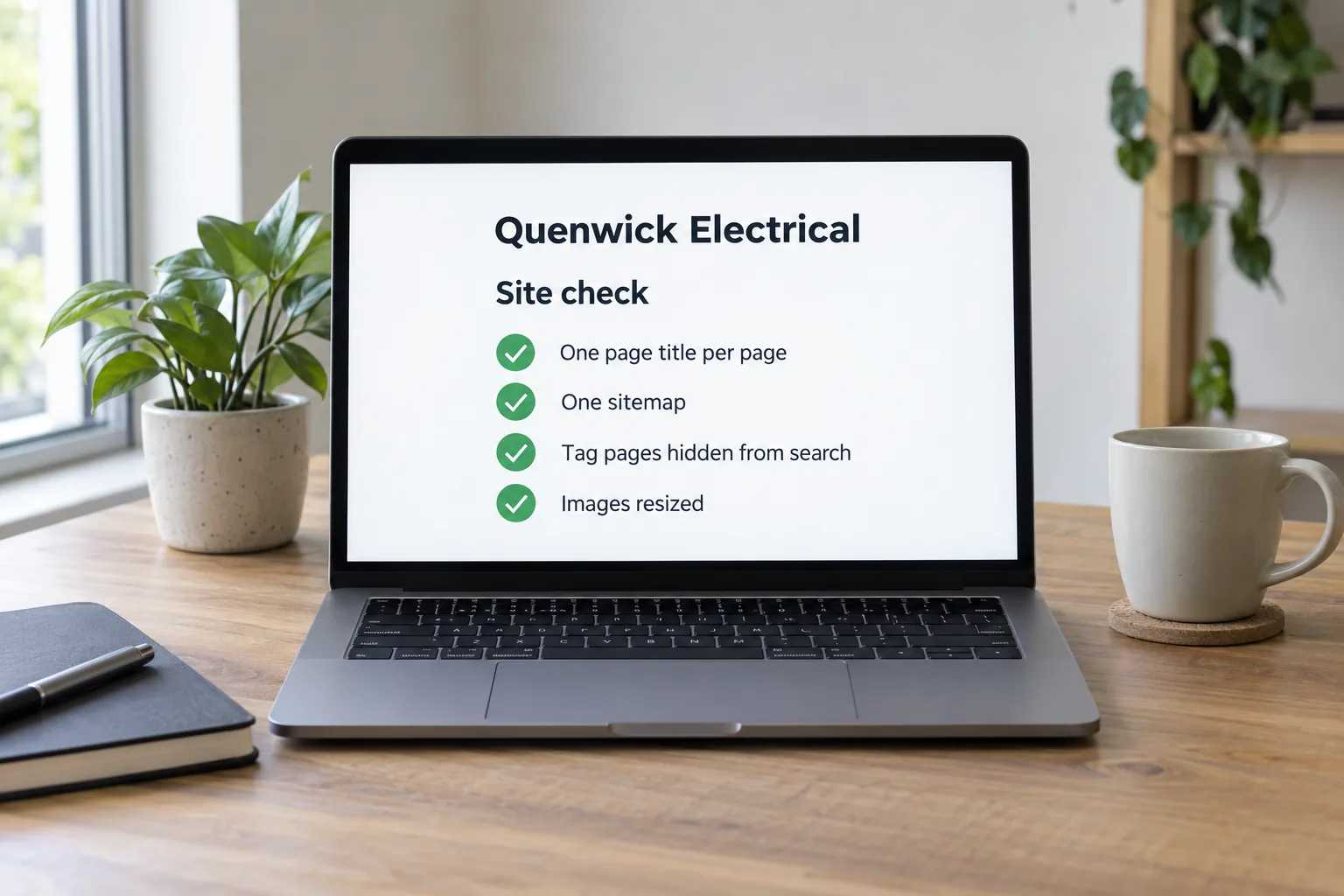
- Two plugins writing the same tags
- Titles or structured data written twice, differently.
- Indexing settings left wrong
- Often after a rebuild or a theme change.
- Heavy pages
- Page builder scripts and oversized images on every page.
- Thin archive pages
- Tag and category pages nobody meant to publish.
How it works
Output first, then pages.
An SEO plugin’s checks confirm that fields are filled in. The work also checks the pages themselves.
- Check the real output
- Titles, indexing, sitemap and structured data, as Google sees them.
- Settle the conflicts
- One plugin responsible for each job.
- Speed up heavy pages
- Images resized and unused scripts removed where possible.
- One page per service
- So each service can be found on its own.
- Look at what is there
- Your site, your Google profile and what people search.
- Agree the scope
- What will be done first, and why.
- Do the work
- Written, fixed and checked on a real phone.
- Check and report
- What changed, in plain words.
Before you decide
Be clear about what can be promised.
Nobody controls Google’s results, so we do not promise a position or a number of enquiries. Plugins and themes behave differently, so we check yours rather than assume.
You own the pages and website we build, in your business's name. Ongoing work is agreed in the scope.
For online stores, see Shopify SEO. For crawling and indexing issues, see technical SEO; for AI answers, see AI search optimisation.
From clients
What clients say about working with spareday
“Excellent in all facets of web design with particular expertise in SEO and email marketing. Online visibility has skyrocketed since working Reece which translates as flawless customer relations, new leads and new customers.”

“He didn’t just build me a great website, he created an easy-to-manage system that allows me to make updates myself whenever I need to. He has spared me so much time doing all of this myself!”
“He was able to take our rough ideas, from concept through to reality. The site has provided an influx of new members, helping to keep our club viable.”

“Huge shoutout to Reece for building my website for Hughesys Painting Services. Since it went live my phone hasn’t stopped ringing.”
Official guidance
For independent background, read the official guidance on Google’s SEO starter guide and creating useful content for search.
A few practical details
Before we get started.
Is our SEO plugin enough?
It outputs the tags you fill in and builds a sitemap. It does not write the pages or decide what they should say.
Should we stop using a page builder?
Not necessarily. It lets you edit your own site. The aim is to reduce what it adds to each page.
Do tag pages matter?
Tag pages with one or two posts are usually thin. Many sites hide them from search.
What do you need for a quote?
Tell us your business, your website address and what you want to change. We discuss the scope and send a free growth plan, price included.
Who you’ll work with
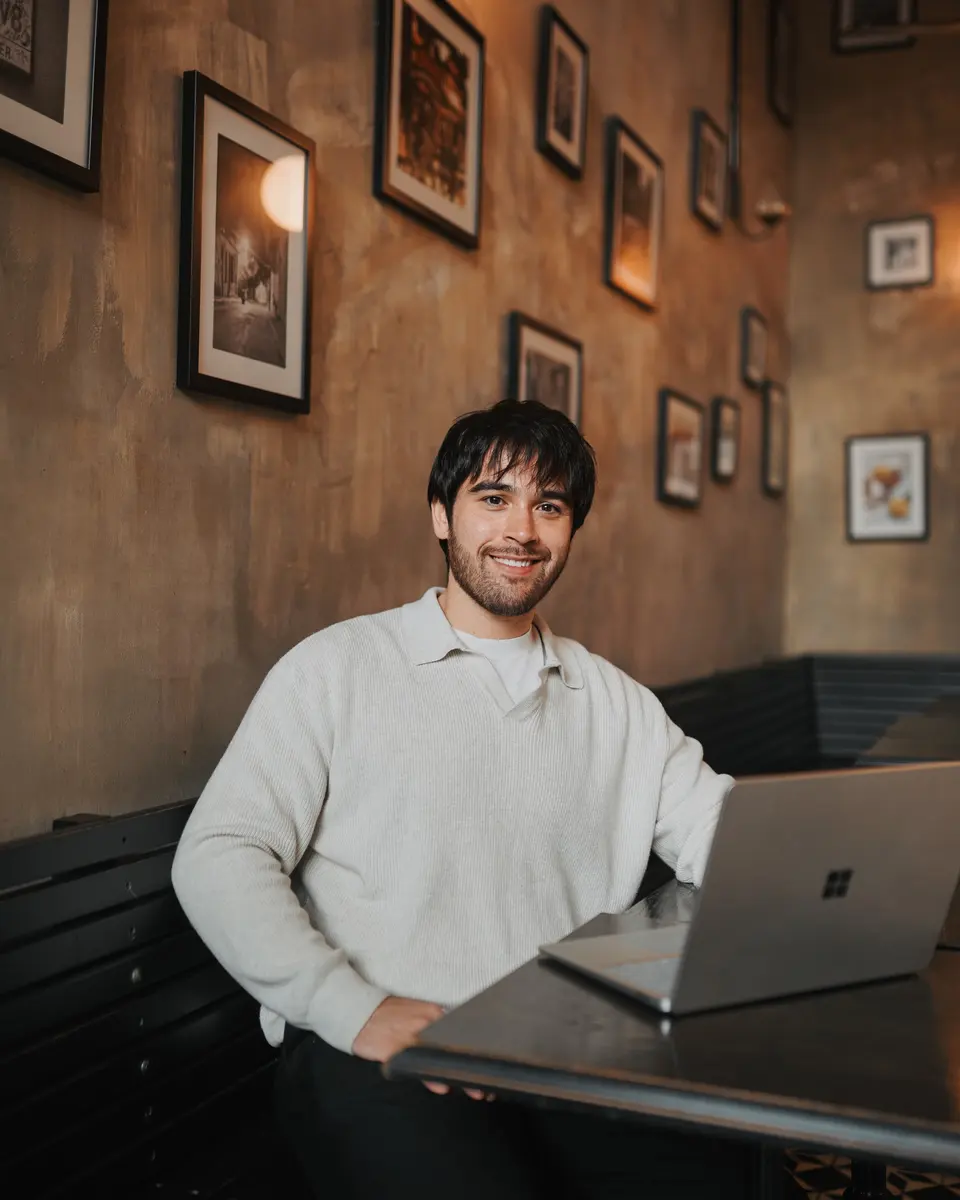
Hi, I’m Reece.
I run spareday from Newcastle. Tell me what your business needs and what is already in place. I’ll work through the scope with you and explain the proposed work before you decide.



Find us
spareday in Newcastle.
12 Grey Street, Wickham, Newcastle NSW 2293.
Your next step
Tell us about your WordPress site.
Send your website address and what you want to be found for. We’ll discuss a defined scope and send a free growth plan, price included.
Or call 0485 017 387.