
For Newcastle businesses
Website redesign
in Newcastle.
A website that reflects the business you run today, with a careful plan for the changeover.
Tell us about your business and what you need.



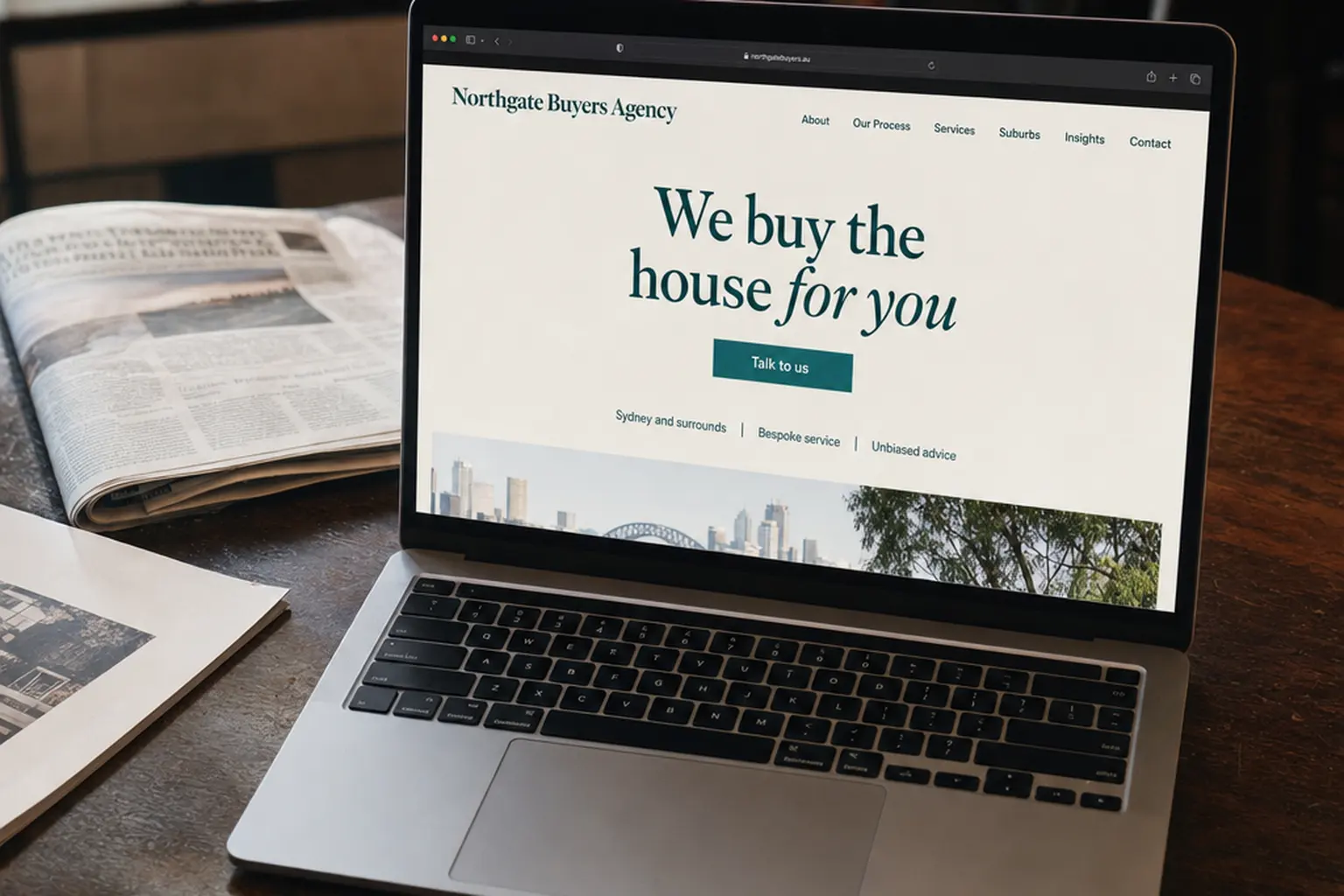
Website redesign at spareday
Build on what your current site does well.
Your business may have new services, stronger photos or a clearer direction than when the website was built. A redesign brings that into the site while giving existing pages, links and customer tools a considered place.
spareday provides website redesign in Newcastle for businesses ready to update their online presence. Reece reviews the current site with you before planning the new design, the content to keep and the work needed for launch.
What’s included
A clearer website and a planned move.
The first step is understanding what you want to improve. That could be the presentation, missing service information, difficult editing or an enquiry route that needs attention.
- A review of the existing site
- Its pages, forms, useful content and available visitor or search data, so decisions start with what is already there.
- The new design and content
- A layout that suits your business, clear service information and a practical next step for customers.
- A page-by-page changeover plan
- A record of which addresses stay, which pages move and where old links should take visitors.
- Checks before publication
- Review on phones and computers, with the agreed forms, downloads and other customer actions tested.
- Launch and follow-up
- A planned switch to the approved site, followed by checks of the published pages and enquiry route.
How it works
Review the new site while the current one keeps running.
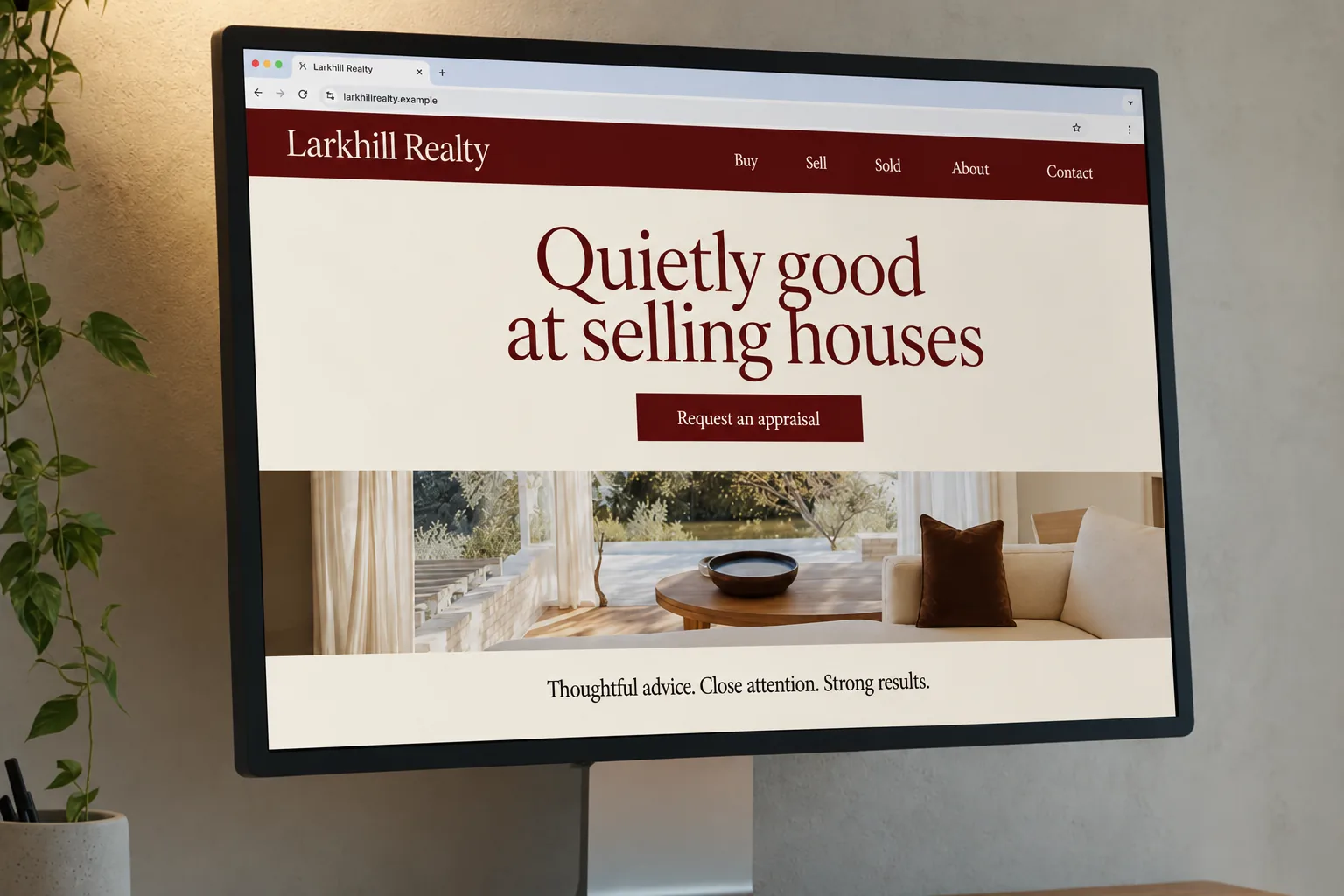
Your existing site can stay live while its replacement is built separately. You get a review version to try before approving the changeover.
- Agree what needs to change
- We review the site with you and settle the goals, pages and features for the rebuild.
- Plan what carries across
- Useful copy, photographs, page addresses and customer resources are accounted for before the replacement is built.
- Review and refine
- You try the new design and check the wording, pictures and main customer journeys.
- Approve the changeover
- We launch the agreed version, check the old links and test the enquiry route on the live site.
Pages people already find
Give existing links somewhere useful to go.
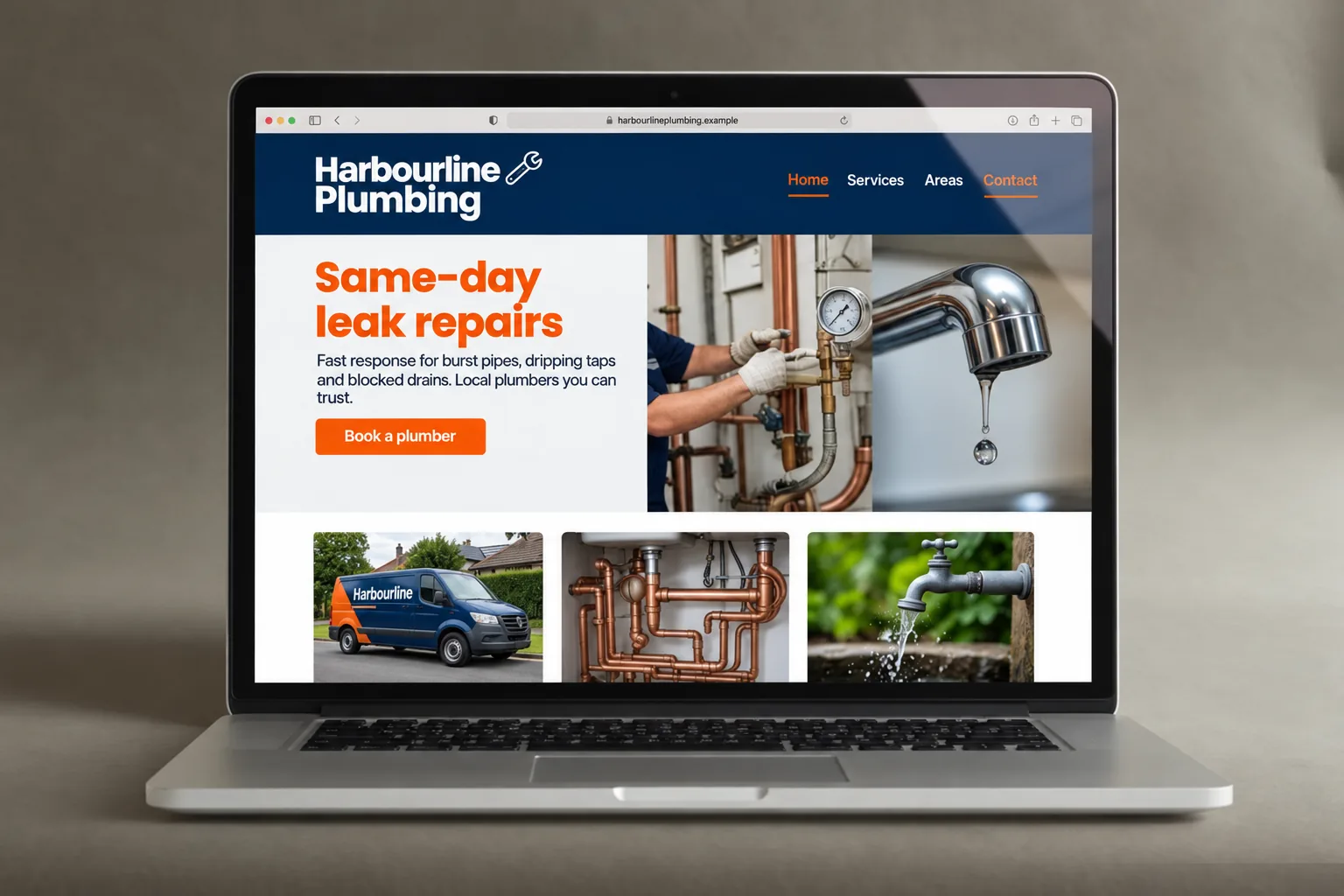
Customers may reach you through a saved page, a directory or a search result. Where an address changes, a redirect sends that old link to its relevant replacement. Keeping useful addresses and mapping changed ones are part of the move.
Search positions can change after a site move, so carrying pages across is a precaution rather than a ranking guarantee. Google’s site-move guidance explains the checks and monitoring involved. We review the available search data when planning the change.
The right amount of change
Decide which improvements need a rebuild.
New photographs and clearer wording may be enough for some sites. Others need a new structure or a different editing setup. The guide to deciding whether you need a new website helps frame that conversation.
We can also assess specific speed or accessibility improvements. Where the site is hosted and what it needs to connect to affect the work, so hosting is considered with the rebuild.
From clients
What clients say about working with spareday
“He was able to take our rough ideas, from concept through to reality. The site has provided an influx of new members, helping to keep our club viable.”

“He created a stunning website for us that captures and nurtures leads with an automated email marketing system, which has filled a huge gap in the business and saved a lot of time (and money!).”

“He didn’t just build me a great website, he created an easy-to-manage system that allows me to make updates myself whenever I need to. He has spared me so much time doing all of this myself!”

“Huge shoutout to Reece for building my website for Hughesys Painting Services. Since it went live my phone hasn’t stopped ringing.”
Official guidance
For independent background, read the official guidance on business websites and Google’s SEO starter guide.
A few practical details
Before we get started.
Can the current website stay live during the rebuild?
Yes. The replacement can be built separately while the current site continues running. The final changeover and any platform constraints are planned before launch.
Can we keep our domain name and email?
Keeping the existing domain is normally part of a redesign. Tell us who manages the domain and email so the website change can be planned around those services.
Will a redesign affect our Google rankings?
It can. Changes to content, page addresses and site structure can affect search performance. We review the existing pages, plan changed addresses and check the published site; a redesign cannot guarantee unchanged rankings.
Can we reuse our current photos and text?
Yes, where you have the rights to use them and they still suit the business. We review what is useful, what needs updating and what new material is needed.
What affects the quote and timing?
The number of pages, the amount of new content, special features and the work needed to move from the current platform. Send the website address and the changes you want so we can discuss the scope and any deadline.

Who you’ll work with
Hi, I’m Reece.
spareday is my business, here in Newcastle. I’ll work through the existing website with you, help plan the replacement and stay involved as it moves from the review version to the live site.




Find us
spareday in Newcastle.
12 Grey Street, Wickham, Newcastle NSW 2293.
Your next website
Tell us what you want to improve.
Send your current website and a little about the changes you have in mind. We’ll discuss the work and prepare a free growth plan, price included.
Or call 0485 017 387.