
Newcastle · Australia wide
An AI receptionist
that books appointments.
Help callers arrange suitable appointments through your existing booking process, with clear rules for when a person takes over.
Tell us about your business and what you need.



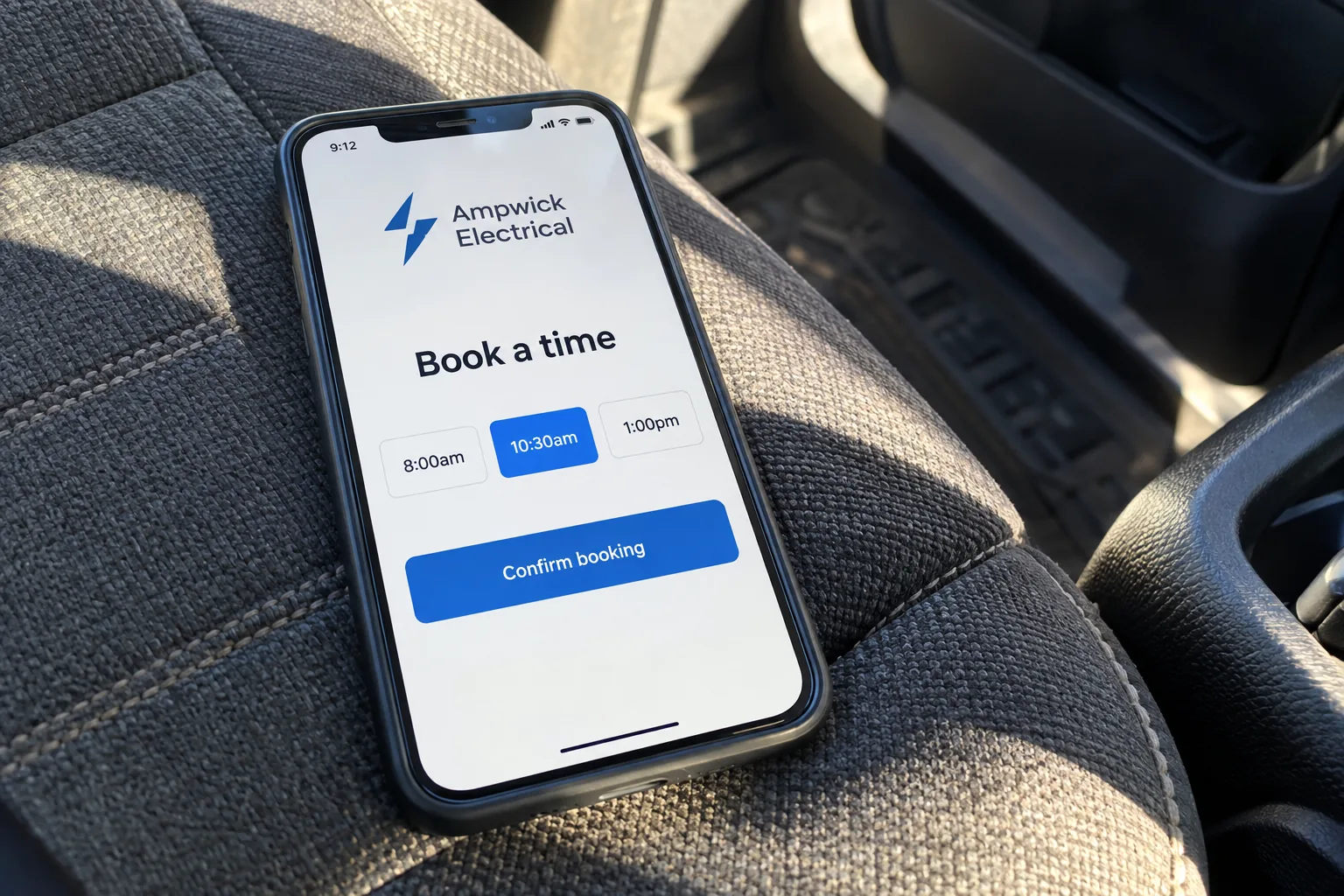
How spareday helps
Give suitable callers a route into your calendar.
An AI receptionist that books appointments needs more than a list of available times. It needs to know which appointments you offer, who can take them and when the request should become a callback.
spareday scopes and builds AI phone workflows from Newcastle for Australian businesses. We check your phone and booking systems, then agree the booking rules before connecting them.
What’s included
Define the appointments the receptionist can arrange.
The booking workflow is specific to your business. Calendar access and the rules below are checked before a booking capability is promised.
- Calendar connection
- Check whether the chosen system can read availability and create the appointment. Agree which calendar is authoritative and who keeps it current.
- Appointment rules
- Set eligible services, appointment lengths, staff availability, opening hours and any gaps needed between appointments. Include location or service-area checks where relevant.
- Caller details
- Agree the information required to create a useful appointment. Keep the initial questions focused on arranging the booking.
- Confirmation and changes
- Define what the caller is told, how the appointment is confirmed and how a cancellation or reschedule is handled.
- Human handover
- Identify requests that need a person, including unclear requirements or work outside the agreed scope. Decide what happens when that person is unavailable.
How it works
Test the complete booking journey.
A successful test must check the calendar record as well as the conversation. We work through the intended journey and the cases where a booking should stop.
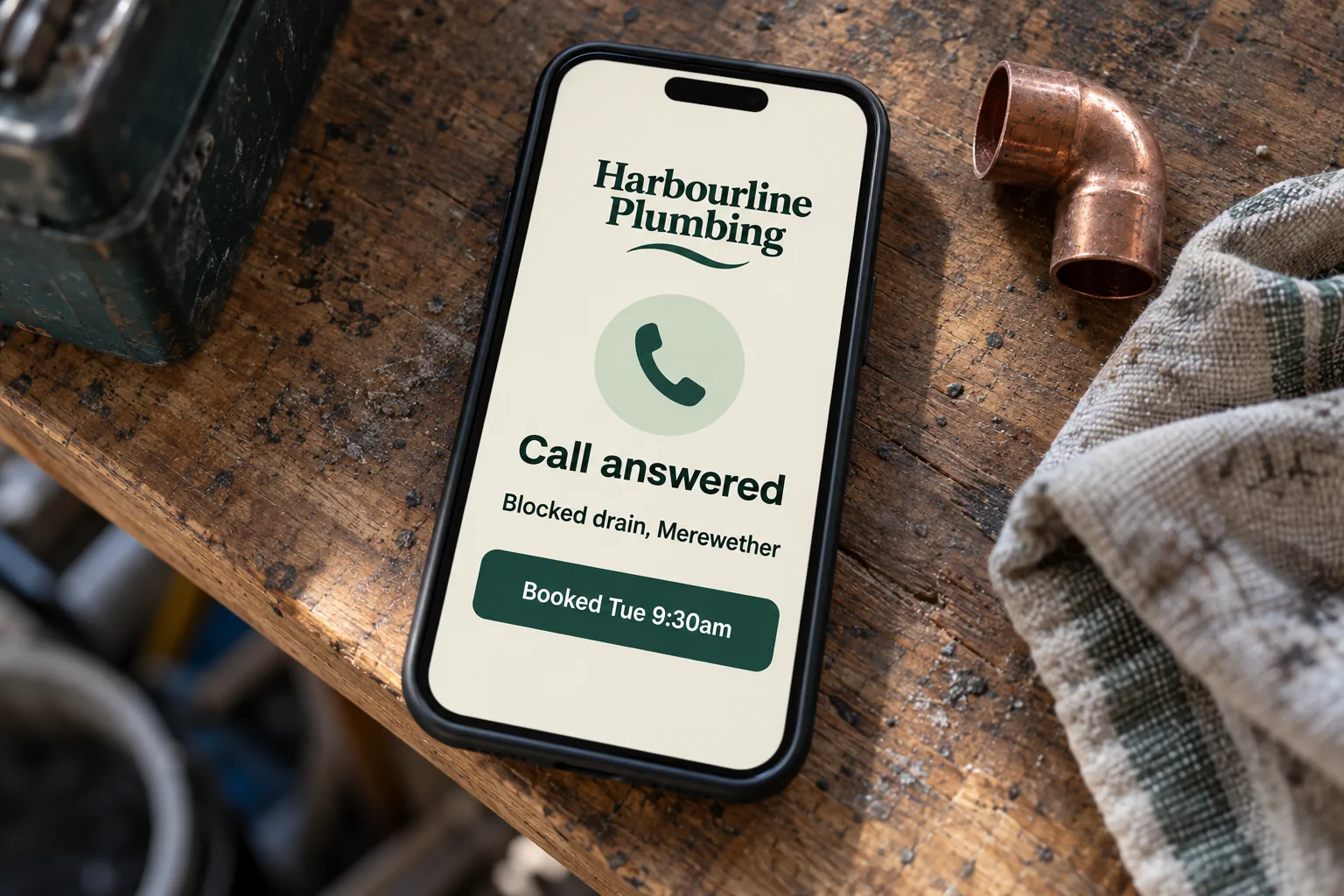
- Map the current phone process
- Explain how calls reach the business today, what happens after hours and which appointments can be agreed without a separate assessment.
- Write the booking rules
- Agree the questions, available appointment types, timing and escalation instructions. The receptionist should identify itself as automated.
- Connect and test
- Check eligible bookings, unavailable times, missing details and repeated requests. Confirm that a failed calendar update is not presented as a completed booking.
- Review before widening access
- Check the initial conversations and appointments. Agree monitoring, changes to the instructions and the responsibilities for ongoing support.
Where the limits belong
Keep assessment and judgement with your team.
An appointment to discuss a job is different from a promise to perform it. Work that needs inspection, a tailored price or a professional assessment should follow the route you approve for a person to review.
An emergency or safety-critical call is outside a routine booking flow. Agree the appropriate escalation wording for your business before use. The receptionist should not improvise advice or present itself as an emergency service.
Availability can also change during a conversation. The workflow needs to check the booking result and explain clearly if the requested time could not be secured.
After the appointment is made
Keep the record and the follow-up connected.
Agree where staff see new appointments and which details they need. A confirmation should describe what was booked without promising work or a price that the business has not approved.
Where suitable, booking reminders can follow the calendar entry. Changes and cancellations must follow the same record so an old appointment does not keep generating messages.
For a broader phone service, see AI receptionist services. We also cover after-hours answering and receptionist workflows for trades.
From clients
What clients say about working with spareday

“He created a stunning website for us that captures and nurtures leads with an automated email marketing system, which has filled a huge gap in the business and saved a lot of time (and money!).”

“He didn’t just build me a great website, he created an easy-to-manage system that allows me to make updates myself whenever I need to. He has spared me so much time doing all of this myself!”
“He was able to take our rough ideas, from concept through to reality. The site has provided an influx of new members, helping to keep our club viable.”

“Huge shoutout to Reece for building my website for Hughesys Painting Services. Since it went live my phone hasn’t stopped ringing.”
Official guidance
For independent background, read the official guidance on AI in business and choosing digital tools.
A few practical details
Before we get started.
Can an AI receptionist book into our existing calendar?
That depends on the booking system and the actions it supports. We check availability access and appointment creation before proposing the connection. Tell us which system you use.
What if the caller needs a price or an assessment?
Use an agreed callback or assessment-booking route. The receptionist should only offer appointments and information that your business has approved.
Can it book appointments after hours?
It can be scoped for after-hours calls where your phone and booking systems support the arrangement. You set the appointment rules and what happens when a caller needs a person.
What happens if the requested time is unavailable?
The workflow can offer another eligible time or arrange a callback, according to your rules. It should confirm a booking only after the calendar accepts it.
What should I provide for a quote?
Name your phone and booking systems, appointment types, hours and required gaps between bookings. Explain which calls need a person. Describe the process first; customer records and passwords are not needed in the initial enquiry.

Who you’ll work with
Hi, I’m Reece.
I run spareday from Newcastle. Tell me what your business needs and what is already in place. I’ll work through the scope with you and explain the proposed work before you decide.



Find us
spareday in Newcastle.
12 Grey Street, Wickham, Newcastle NSW 2293.
Your next step
Tell us how appointments are booked today.
Share the booking system and the calls you want handled. We’ll discuss the connection and send a free growth plan, price included.
Or call 0485 017 387.