
For Australian businesses
WordPress to static
website migration.
Move a WordPress site to plain files, so there are no plugins or updates to manage, with every old address redirected.
Tell us about your business and what you need.



How spareday helps
Less to maintain, for sites that change occasionally.
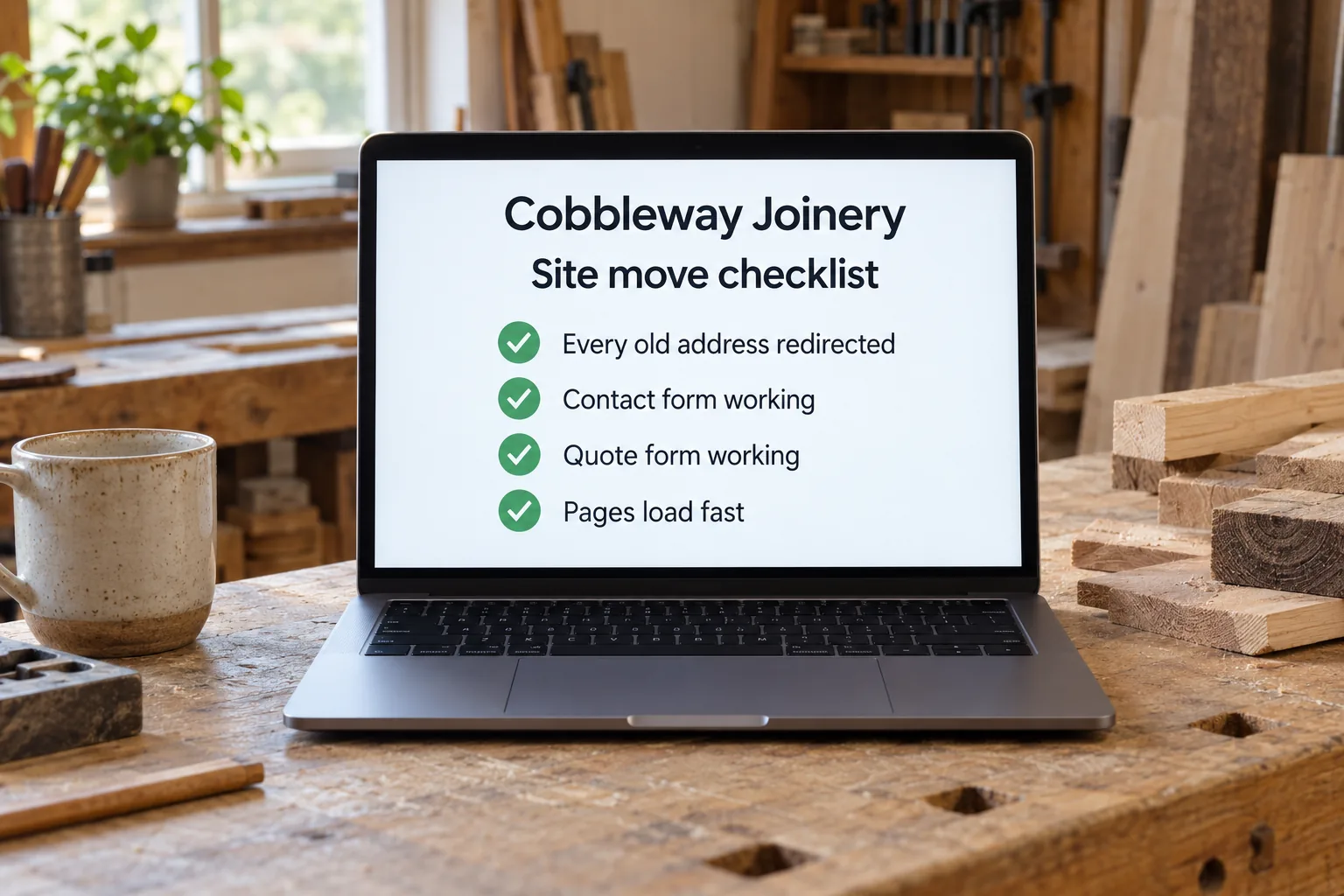
A WordPress to static migration rebuilds your site as finished files, so visitors see the same pages without WordPress running behind them.
A static site has no installed software to update and no dashboard to break into, and pages usually load faster. The trade-off is editing: you no longer log in and change any word yourself unless something replaces that. spareday checks how often your site changes before recommending it.
What changes
What changes when you move.
How often your site changes is the main thing to consider.
- No core, theme or plugin updates
- Often the biggest line in maintenance.
- No plugins or login to attack
- Outdated plugins are the most common way small WordPress sites are compromised.
- Faster pages
- Nothing is assembled when someone visits.
- Editing changes
- Possible through a different route; frequent bloggers should weigh this.
How it works
Every old address accounted for.
The move is planned around the pages and forms you have today, so everything that works now keeps working.
- Every address listed
- Each one kept or redirected to its closest match.
- Forms and bookings replaced
- Handled by services instead of plugins.
- Plugins reviewed one by one
- Replaced or deliberately dropped.
- Checked after launch
- Redirects, forms and Search Console watched.
- List the site
- Pages, forms, plugins and how often it changes.
- Agree the scope
- What moves, what is replaced and what is dropped.
- Rebuild and redirect
- Same pages as plain files, every address accounted for.
- Check after launch
- Forms, redirects and search traffic.
Before you decide
When a static site does not suit.
Sites with logins, member accounts or frequent posting are usually better left on a platform built for that. A careful move keeps search traffic steady in most cases, but no migration is risk free.
You own the pages and website we build, in your business's name. Ongoing work is agreed in the scope.
For more on keeping rankings through a move, see website migration without losing rankings. For hosting, see web hosting; for a hacked site, hacked website repair.
From clients
What clients say about working with spareday
“Excellent in all facets of web design with particular expertise in SEO and email marketing. Online visibility has skyrocketed since working Reece which translates as flawless customer relations, new leads and new customers.”

“He didn’t just build me a great website, he created an easy-to-manage system that allows me to make updates myself whenever I need to. He has spared me so much time doing all of this myself!”
“He was able to take our rough ideas, from concept through to reality. The site has provided an influx of new members, helping to keep our club viable.”

“Huge shoutout to Reece for building my website for Hughesys Painting Services. Since it went live my phone hasn’t stopped ringing.”
Official guidance
For independent background, read the official guidance on business websites and Google’s SEO starter guide.
A few practical details
Before we get started.
Will the site look different?
It does not have to. The same design can be rebuilt as plain files.
Can we still edit it ourselves?
Yes, through a different route than the WordPress dashboard. If you edit weekly, weigh this first.
Will we lose our rankings?
A careful move with every address redirected usually keeps search traffic steady, but nobody can promise no change.
Do contact forms still work?
Yes. Forms, bookings and payments are handled by services instead of plugins.
What do you need for a quote?
Tell us your business, your website address and what you want to change. We discuss the scope and send a free growth plan, price included.
Who you’ll work with
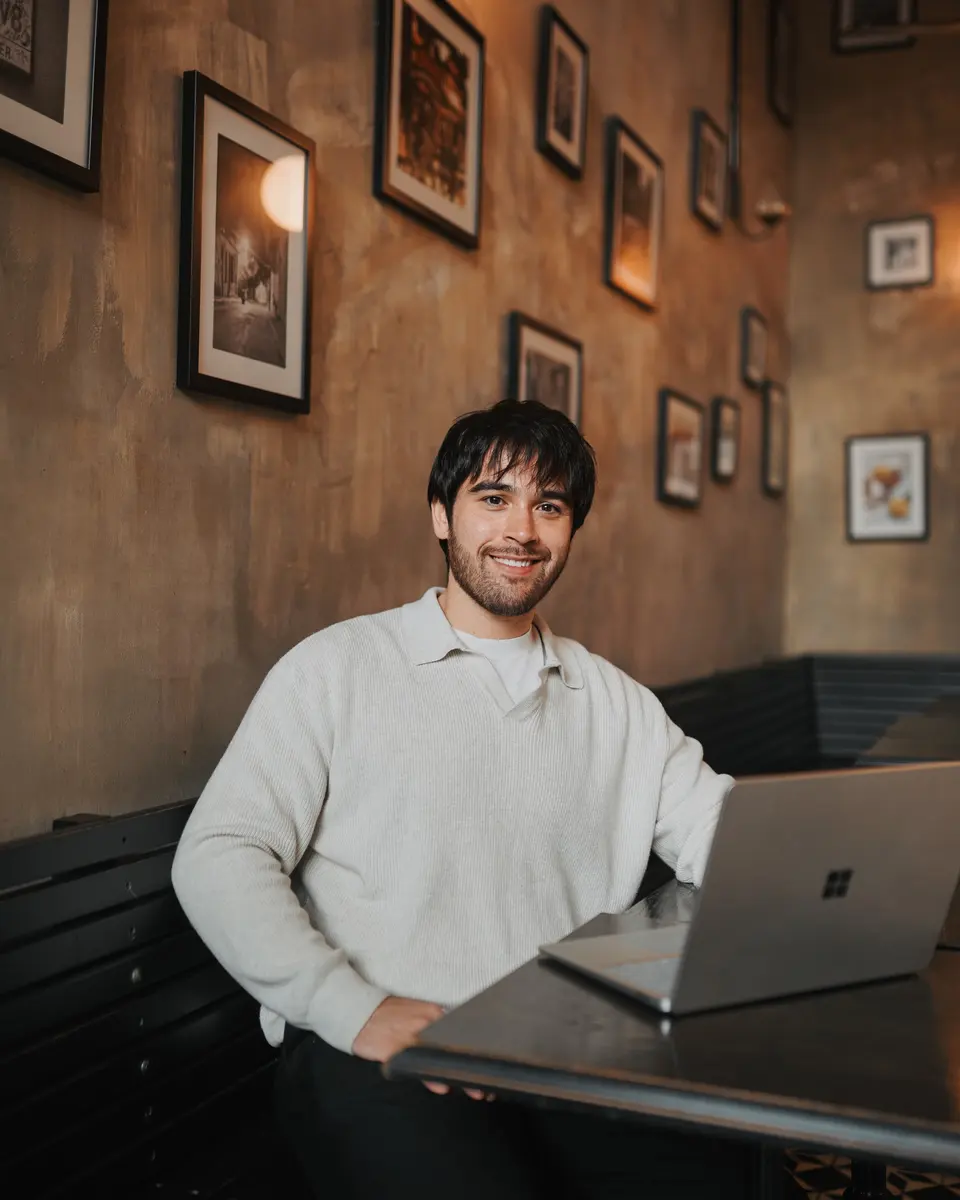
Hi, I’m Reece.
I run spareday from Newcastle. Tell me what your business needs and what is already in place. I’ll work through the scope with you and explain the proposed work before you decide.



Find us
spareday in Newcastle.
12 Grey Street, Wickham, Newcastle NSW 2293.
Your next step
Tell us what your site runs on.
Send your website address and how often it changes. We’ll tell you whether a static site suits it, then send a free growth plan, price included.
Or call 0485 017 387.