
Business IT
What does a computer consultant do for a small business?
A computer consultant helps a small business organise the technology people use to work: business email, shared files, who has access to what, and recoverable backups of important data.
Tell us about your business and what you need.



The short answer
In short.
For a small team, the work usually means reviewing the current setup, fixing what gets in the way, making sure access and recovery are in order before something goes wrong, and writing down who looks after each system.
Business email
Who has accounts, who manages them, and whether the setup suits the team.
Accounts and access
Who has administrator access, whether recovery details are up to date, and what happens when someone joins or leaves.
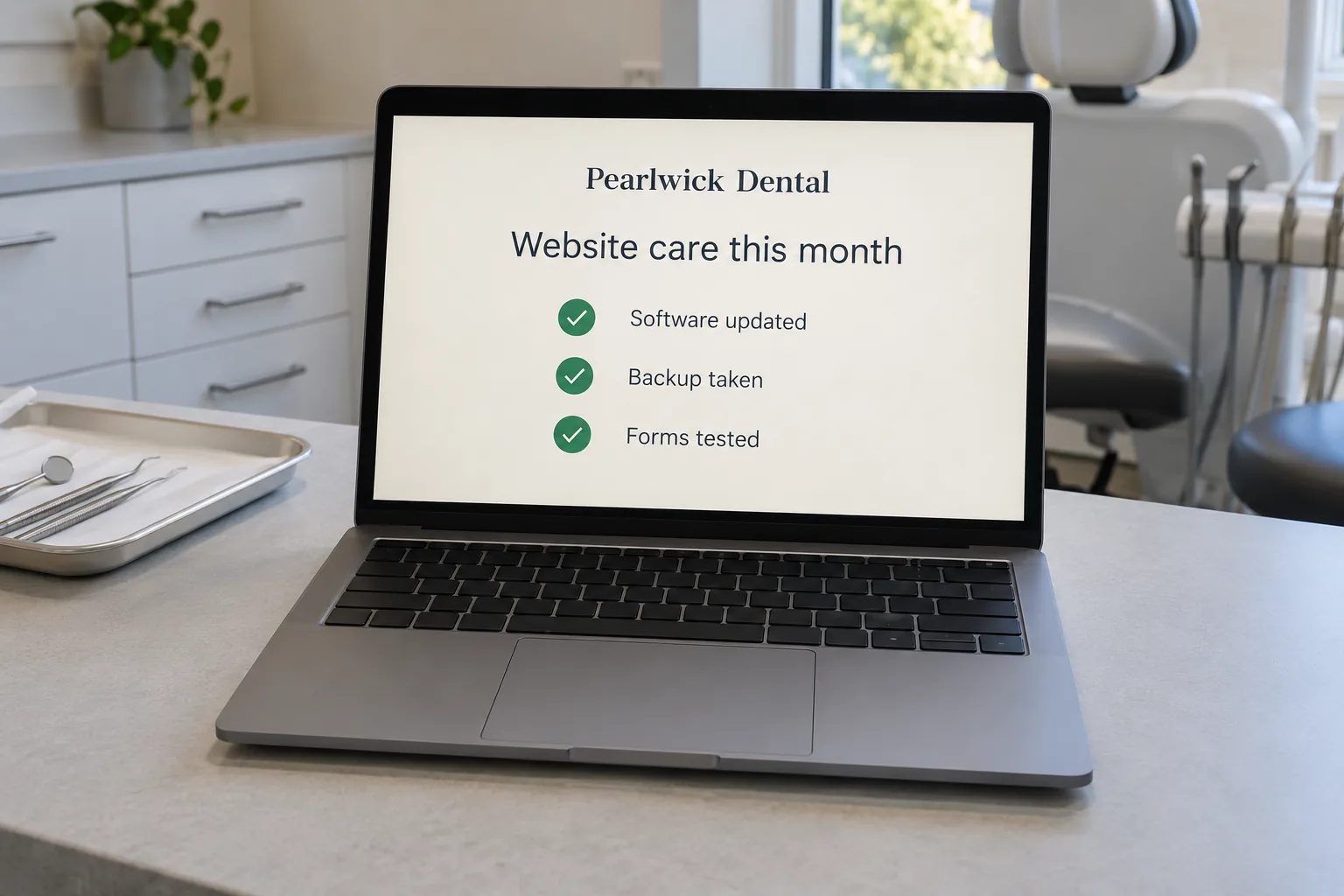
Updates and backups
A backup is a recoverable copy of data. The useful test is whether a file can actually be restored, not whether a backup exists.
Security basics
Multi-factor authentication adds a second check when signing in. Password managers help people use separate passwords for separate accounts. The Australian Cyber Security Centre's small business guidance covers these basics in plain language. A checklist alone cannot guarantee a business is secure.
Written responsibilities
Who handles each system, what is included, and how your team asks for help.
When you might need one
When staff waste time looking for files, when one person holds all the passwords, when someone is leaving, or when you are not sure your data could be recovered.
Computer support, security and networks
A computer consultant often covers the everyday computer support a small business needs: setting up computers and software, fixing problems, and keeping systems up to date. Many also set up and look after the computer network, from Wi-Fi to shared drives and printers.
Cyber security and data recovery
Cyber security is a growing part of the job: backups, passwords, two-factor sign-in and keeping software patched. If something goes wrong, data recovery services can sometimes get lost files back, which is far easier when good backups were set up first. Ask any IT consultant what support they offer and how quickly they respond.
Computer repairs and software
Computer repairs are often the first call, but a good IT consultant also helps choose software, set up email and accounts, and plan for growth, so problems are fewer in the first place.
From clients
What clients say about working with spareday

“He didn’t just build me a great website, he created an easy-to-manage system that allows me to make updates myself whenever I need to. He has spared me so much time doing all of this myself!”

“He created a stunning website for us that captures and nurtures leads with an automated email marketing system, which has filled a huge gap in the business and saved a lot of time (and money!).”
“Excellent in all facets of web design with particular expertise in SEO and email marketing. Online visibility has skyrocketed since working Reece which translates as flawless customer relations, new leads and new customers.”
Official guidance
For independent guidance, see the Office of the Australian Information Commissioner.
Common questions
Questions people ask.
Is a computer consultant worth it for a team of three?
A small team still needs clear email, file and access arrangements. The scope depends on the tools you use and the help you need.
Do we have to move to new systems?
Not necessarily. If the current setup meets your needs, the work can focus on settings, permissions and recovery.

Who you’ll work with
Hi, I’m Reece.
spareday is my business, based here in Newcastle. You’ll deal with me from the first review of your website, and I’m the person you talk to each month about what’s working.



Find us
spareday in Newcastle.
12 Grey Street, Wickham, Newcastle NSW 2293.
Next step
Get a free growth plan.
spareday is a computer consultant in Newcastle. We start with the systems you already use, agree the work and access, make and test the changes, then write down the ongoing arrangement. Get a free growth plan.
Or call 0485 017 387.